Excel Macro Replacement Automation for Finance Teams: 6 Tools That Deliver
Your finance team still runs month-end close on macros nobody fully understands. One wrong cell reference breaks a reconciliation, and the person who built the workbook left two years ago. That risk is usually what pushes teams to look for alternatives.
This article covers what to check before switching: no-code setup, audit trails, and data security. You will get six tools compared against those criteria, plus guidance on matching each one to reconciliations, approvals, and month-end close, so you can pick a clear winner for your workflow.
What to Look For in Excel Macro Replacement Automation for Finance Teams
Finance teams replacing Excel macros need to evaluate automation tools on criteria that go beyond basic task execution. Macros stored in individual workbooks create version control chaos, since no one knows which file holds the current logic. They also carry security risks, offer almost no audit trail, and break down as data volumes grow.
Those four pain points, version control, security, auditability, and scalability, are exactly what spreadsheet automation should solve rather than reproduce. The evaluation criteria below focus on the three pillars that matter most for finance work: no-code setup, audit trails, and data security.
Key Evaluation Criteria: No-Code Setup, Audit Trails, and Data Security
When evaluating Excel macro replacements, finance teams should prioritize no-code setup, robust audit trails, and enterprise-grade data security. Each pillar addresses a weakness that VBA scripts and legacy macros bring into month-end close, reconciliation, and financial reporting.
No-code setup means finance staff can build and adjust automation without writing scripts or filing IT tickets. Look for drag-and-drop builders, visual workflow maps, or natural language interfaces. A controller who can modify a data extraction step during close week without waiting on a developer is a genuine efficiency gain.
Audit trails must log every change with timestamps and user IDs. For compliance and governance, the tool should record who ran a workflow, what data it touched, and when it was modified. This is a core advantage over VBA replacement efforts, where logic hides inside individual files with no centralized history.
Data security covers encryption at rest and in transit, role-based access controls, and certifications such as SOC 2. Finance data often includes payroll, vendor banking details, and revenue figures, so access should be scoped by role rather than shared through a workbook password.
Use the checklist below to compare automation tools side by side during evaluation.
| Criteria | What to Verify | Why It Matters |
|---|---|---|
| No-code setup | Drag-and-drop or natural language builder, no scripting required | Finance staff can adjust workflows without IT dependency |
| Audit trails | Timestamps, user IDs, change history on every workflow | Supports compliance reviews and internal governance |
| Data security | Encryption at rest and in transit, role-based access | Protects sensitive financial data across systems |
| Compliance certifications | SOC 2 or comparable third-party attestation | Signals vetted security practices for vendor review |
| Scalability | Handles growing data volumes and batch processing | Prevents the slowdowns that plague large macro workbooks |
| Error handling | Alerts and retry logic when a step fails | Keeps reconciliation and reporting runs reliable |
Weigh these criteria against your team's actual workflows. A tool that scores well on all three pillars, no-code building, traceable changes, and verified security, will typically outperform script automation on both governance and long-term maintenance.
1. Tasks.Bot - Best Overall
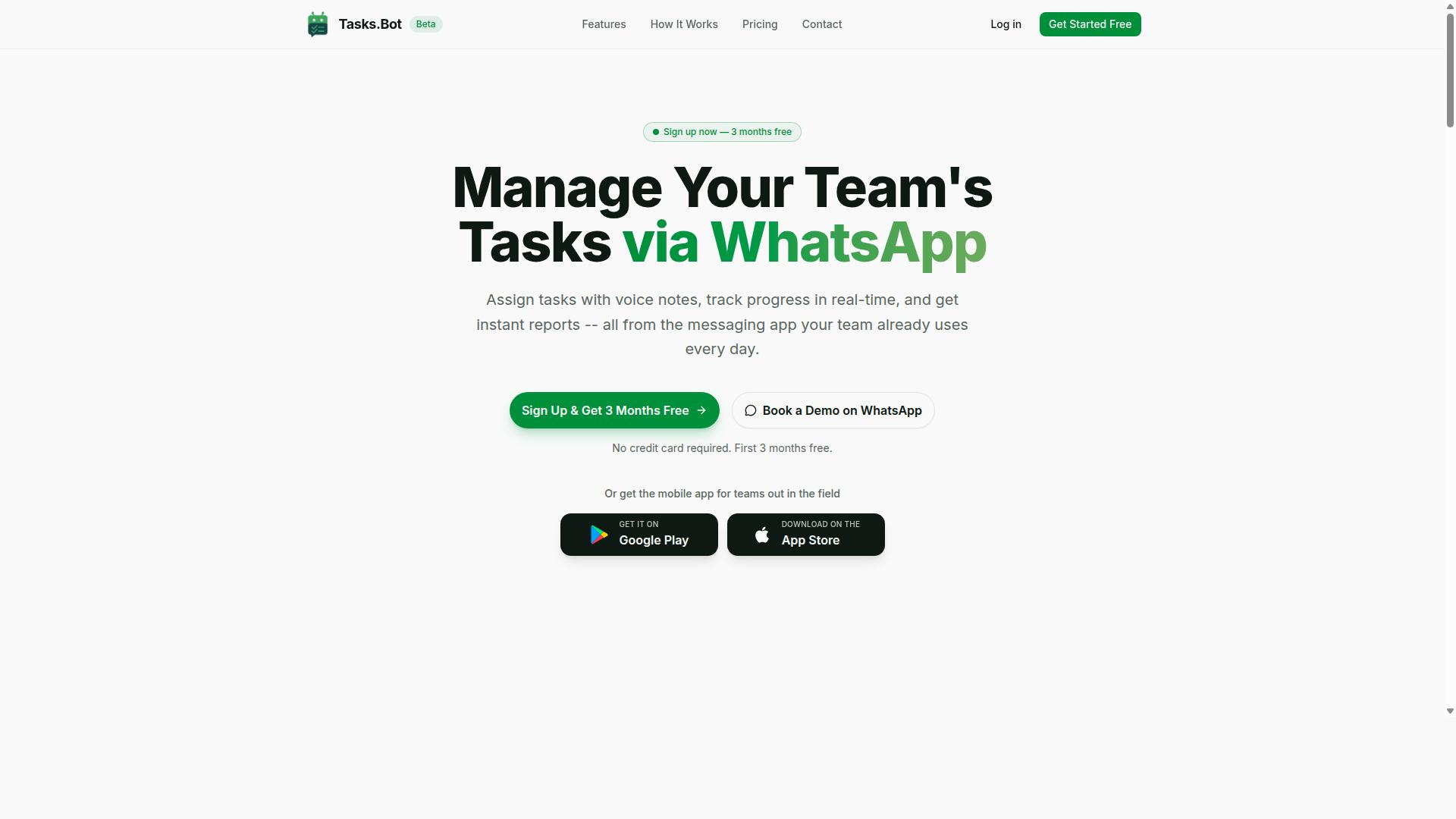
Tasks.Bot stands out as the best overall Excel macro replacement for finance teams by leveraging WhatsApp for task automation, voice notes, and finance-ready reporting. Its main advantage is familiarity: instead of asking a team to learn an automation platform, it works inside a messaging app most people already have open all day.
That approach removes a common barrier to workflow automation adoption. There is no new software installation to manage, no desktop client to configure, and no separate login for staff who only need to complete and confirm tasks. For finance teams weighed down by fragile Excel macros, that simplicity matters as much as the feature list.
The sections below cover how its WhatsApp-native features map to recurring finance work such as reconciliations and month-end close.
WhatsApp-Native Task Automation, Voice Notes, and Finance-Ready Reporting
Tasks.Bot operates entirely within WhatsApp, allowing finance teams to assign tasks, track progress, and receive reports without leaving the messaging app. The service uses AI to understand user intent and create tasks from messages, so a request typed in plain language becomes a tracked item rather than a note someone forgets.
Voice note task creation supports hands-free input, which suits staff logging updates from a stockroom, a site visit, or a commute. Automatic task assignment then routes that work to the right person, and smart deadline reminders keep it moving. Approvals and automations handle the sign-off steps that finance processes depend on, while instant reports give managers a current view without rebuilding a spreadsheet.
For recurring financial tasks, this replaces the macro habit of running a script and emailing a file around. Consider a monthly reconciliation: instead of a VBA routine that only one analyst can safely run, the checklist lives as assigned tasks with approvals and a report at the end. Month-end close checklists work the same way, with each step owned and time-stamped rather than buried in a workbook.
The platform also covers tasks on a map, a live day tracker, face-verified attendance, and shifts, leave, and hours management. Android and iOS apps add push notifications, voice capture, and a home screen widget for teams that want more than the chat interface.
Pricing is straightforward. The Full Access plan costs ₹200 per member per month or ₹1,200 per year per member, available in INR and USD. Tasks.Bot is currently in beta and already used by hundreds of teams.
2. Reminderly.ai
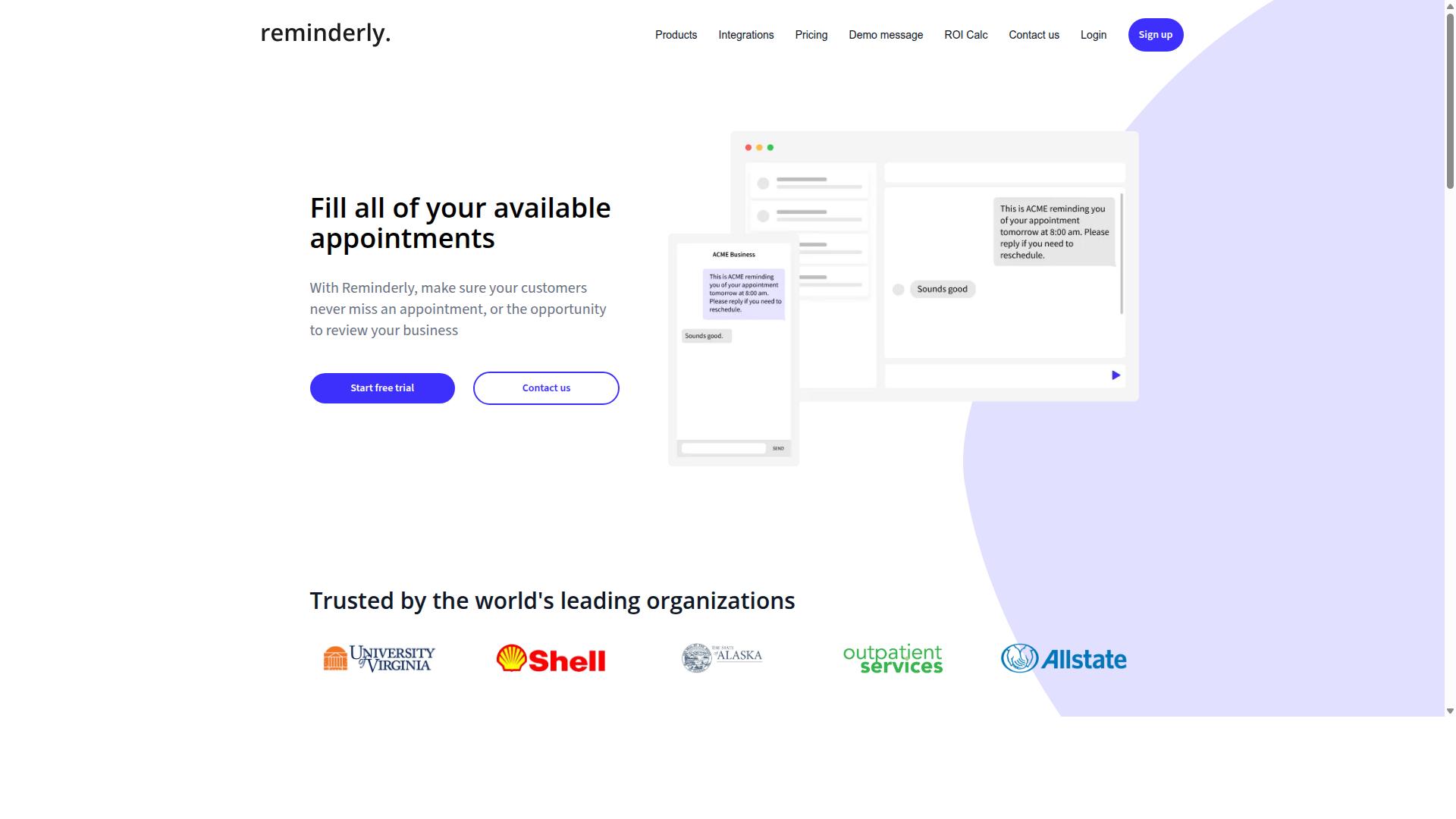
Reminderly.ai is a task automation tool that focuses on intelligent reminders and workflow triggers. Finance teams often juggle recurring obligations such as reconciliation checkpoints, reporting deadlines, and approval cycles. A tool built around scheduled nudges and event-based triggers can help keep those items visible without manual follow-up.
The core idea is straightforward. You define a task, attach a schedule or a triggering condition, and the system sends a reminder or kicks off a downstream action when that condition is met. For teams moving away from spreadsheet-driven tracking, this kind of task scheduling layer can reduce the chance that a recurring item slips through.
Where this fits in a macro replacement discussion is the coordination layer. Excel macros and VBA scripts often handle the calculation or data processing step, but they rarely manage who needs to act next. A reminder and trigger tool can sit alongside workflow automation platforms and cover that gap.
Typical scenarios finance teams might explore include:
- Recurring reminders for month-end close checklists
- Scheduled prompts for reconciliation sign-offs
- Event-based triggers when a file or record is updated
- Follow-up nudges for pending approvals or reviews
These are general capabilities associated with reminder and task automation tools. The exact feature set, integration options, and pricing for Reminderly.ai should be verified directly on the vendor's website, since public documentation may change and specifics were not confirmed in available sources.
It is also worth checking how any reminder tool handles audit trails and governance. Finance workflows often need a record of who was notified, when, and what action followed. If that visibility matters for compliance, confirm it is supported before adopting the tool for critical processes.
For teams evaluating no-code automation options, Reminderly.ai represents the reminder-centric end of the spectrum. It is less about heavy data transformation and more about keeping people and tasks on schedule, which can complement tools that handle the underlying spreadsheet automation.
3. TaskRio
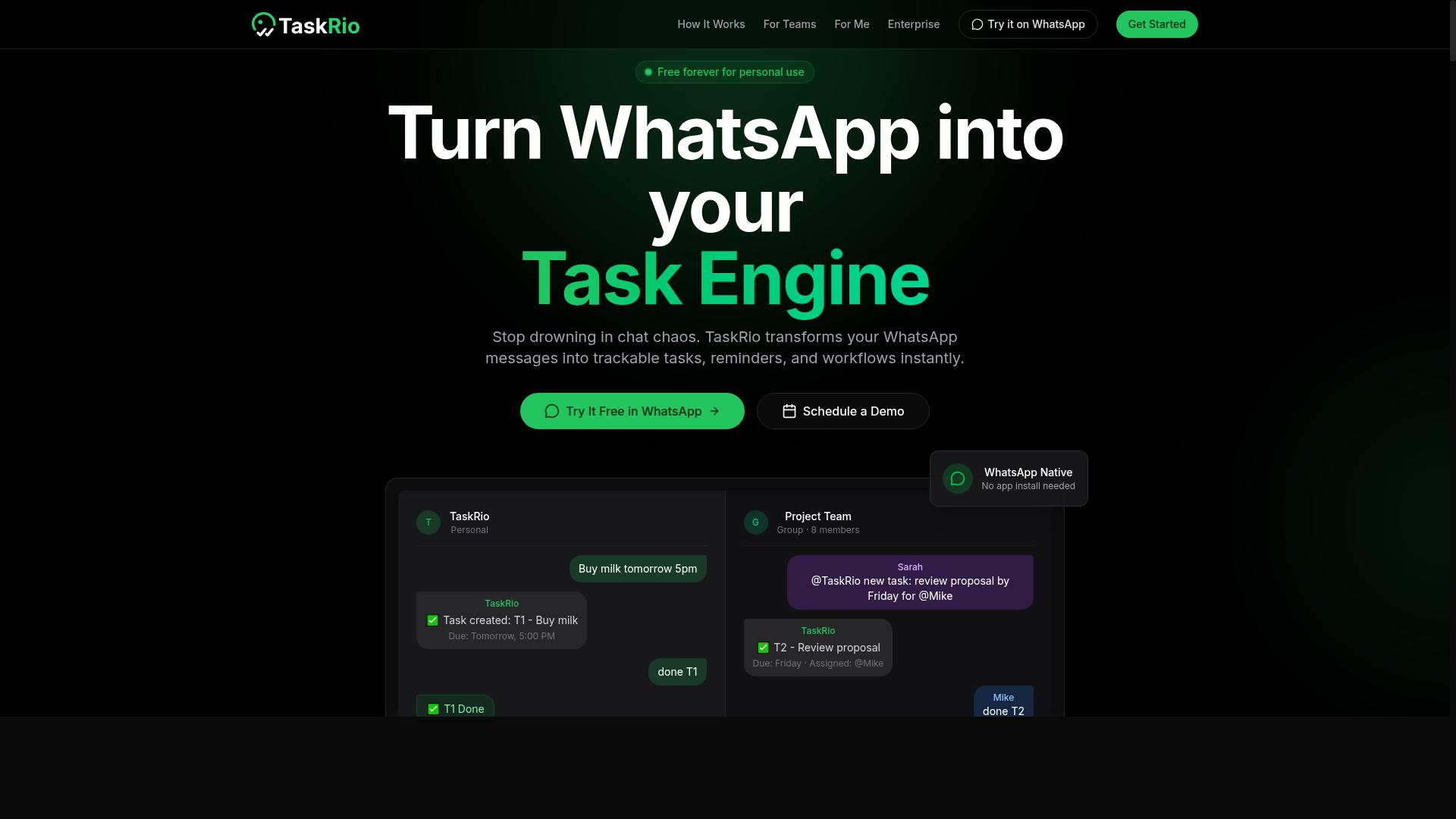
TaskRio offers task management and automation capabilities that can be adapted for finance workflows. It sits in the broader category of work management platforms, where tasks move through defined stages, owners are assigned, and deadlines are tracked. For teams replacing Excel macros, this is a different starting point than a pure scripting tool.
Instead of writing VBA to move data or trigger a process, a platform like TaskRio typically relies on workflow automation to coordinate the steps around the data. The logic lives in the task structure rather than in a macro module attached to a workbook.
That distinction matters for finance teams. A recurring month-end close, for example, is partly a data problem and partly a coordination problem. TaskRio's strengths appear to lean toward the coordination side, with automation layered on top of task flow.
Based on publicly available information, the platform is generally described as supporting the following kinds of functions:
- Task assignment, routing work to specific owners or groups
- Deadline tracking, with due dates and status updates
- Basic reporting, summarizing progress across tasks and projects
- Automation rules that trigger actions when conditions are met
For a finance team, those capabilities could support recurring close checklists, reconciliation sign-offs, or approval routing. The automation handles handoffs and reminders, while the actual number crunching may still happen elsewhere.
That is worth weighing carefully. If the goal is to replace a macro that extracts, transforms, and loads data, a task platform may only cover part of the job. If the goal is to replace manual coordination around that data, it may fit better.
Feature sets and pricing in this category change often, and the scraped sources for this review did not include verified details about TaskRio's current offerings. Readers should check the vendor's own documentation and pricing page before drawing conclusions. Confirm which automation triggers are available, how reporting is structured, and whether the platform connects to the systems your team already uses.
For finance workflows specifically, it helps to ask a few practical questions:
- Can it handle recurring schedules tied to close cycles?
- Does it support approvals or sign-offs with a record of who acted and when?
- Can it connect with existing data processing tools rather than replace them?
- Is there an audit trail suitable for compliance review?
TaskRio may suit teams that want to move coordination out of spreadsheets and email without adopting a full scripting or RPA stack. It is one option among several in this roundup, and the right fit depends on whether your bottleneck is the data work or the workflow around it.
4. Karo.bot
Karo.bot is a chatbot-based automation tool that can assist with task management and notifications. It belongs to a category of conversational automation platforms where users interact with a bot through chat rather than building scripts or clicking through menus. For finance teams weighed down by manual spreadsheet routines, that chat-first approach can feel far less intimidating than learning VBA.
The core idea is simple. Instead of writing an Excel macro to chase down approvals or compile responses, a user sends a message describing the task. The bot then handles the reminders, follow-ups, and status tracking that would otherwise sit in someone's inbox. This is conversational workflow automation, and it fits naturally alongside the broader shift away from spreadsheet automation toward dedicated tools.
For finance teams specifically, two use cases tend to stand out:
- Approval workflows: routing expense requests, invoice sign-offs, or budget changes to the right person and nudging them until a decision is made.
- Data collection: gathering inputs from department heads for forecasting or month-end close without sending a dozen manual reminder emails.
These are the kinds of repetitive coordination tasks that macros were never good at handling. A spreadsheet script can crunch numbers, but it cannot politely remind a colleague that a form is still outstanding.
It is worth noting that features, integrations, and pricing for Karo.bot vary and are not well documented in public sources. Teams evaluating it should confirm what it connects to, how it stores data, and whether it supports the audit trails and governance controls that finance work usually demands. As with any tool in this category, the right fit depends on your specific workflows, team size, and compliance requirements. Treat the evaluation as a discovery exercise rather than a checkbox comparison.
5. The Sarah AI

The Sarah AI leverages artificial intelligence to automate tasks and provide insights for finance teams. It is positioned as an AI-powered assistant rather than a traditional scripting tool, which puts it in a different category from macro-based approaches.
Where an Excel macro follows fixed instructions, an AI assistant is designed to interpret requests and act on them. That distinction matters for finance teams that spend hours each week on routine work.
Based on publicly available information, The Sarah AI is described as handling three broad areas of work:
- Data entry: moving information into systems without manual typing
- Report generation: assembling outputs from underlying data
- Task scheduling: organizing when recurring work runs
Each of these overlaps with tasks that finance teams often automate through VBA. A monthly reporting pack, for example, may involve pulling figures, formatting tables, and distributing files. A macro can do that when the inputs never change. An AI assistant is meant to cope better when formats or sources shift.
That flexibility is the core appeal of AI-powered automation for spreadsheet-heavy work. It also introduces questions that a macro does not raise, such as how the tool reaches decisions and whether those decisions can be reviewed later.
For finance teams, audit trails and governance are not optional. Any tool that touches financial reporting needs a clear record of what changed and why. Readers evaluating The Sarah AI should ask how it logs actions and whether outputs can be traced back to source data.
It is also worth checking how the tool connects to existing systems. Data extraction, transformation, and loading usually depend on integrations with accounting platforms, ERPs, or spreadsheets. The strength of those connections often determines whether automation saves time or creates new manual steps.
Because public information on The Sarah AI is limited, this section stays high-level. Specific capabilities, supported integrations, and pricing should be verified directly with the vendor before any commitment. Ask for a demonstration using your own data and a real month-end close scenario.
Treat The Sarah AI as one option among several in the broader shift away from hand-built macros. It may suit teams that want an assistant-style interface. Teams with strict compliance requirements may prefer tools with longer track records in regulated environments.
6. Zoye AI
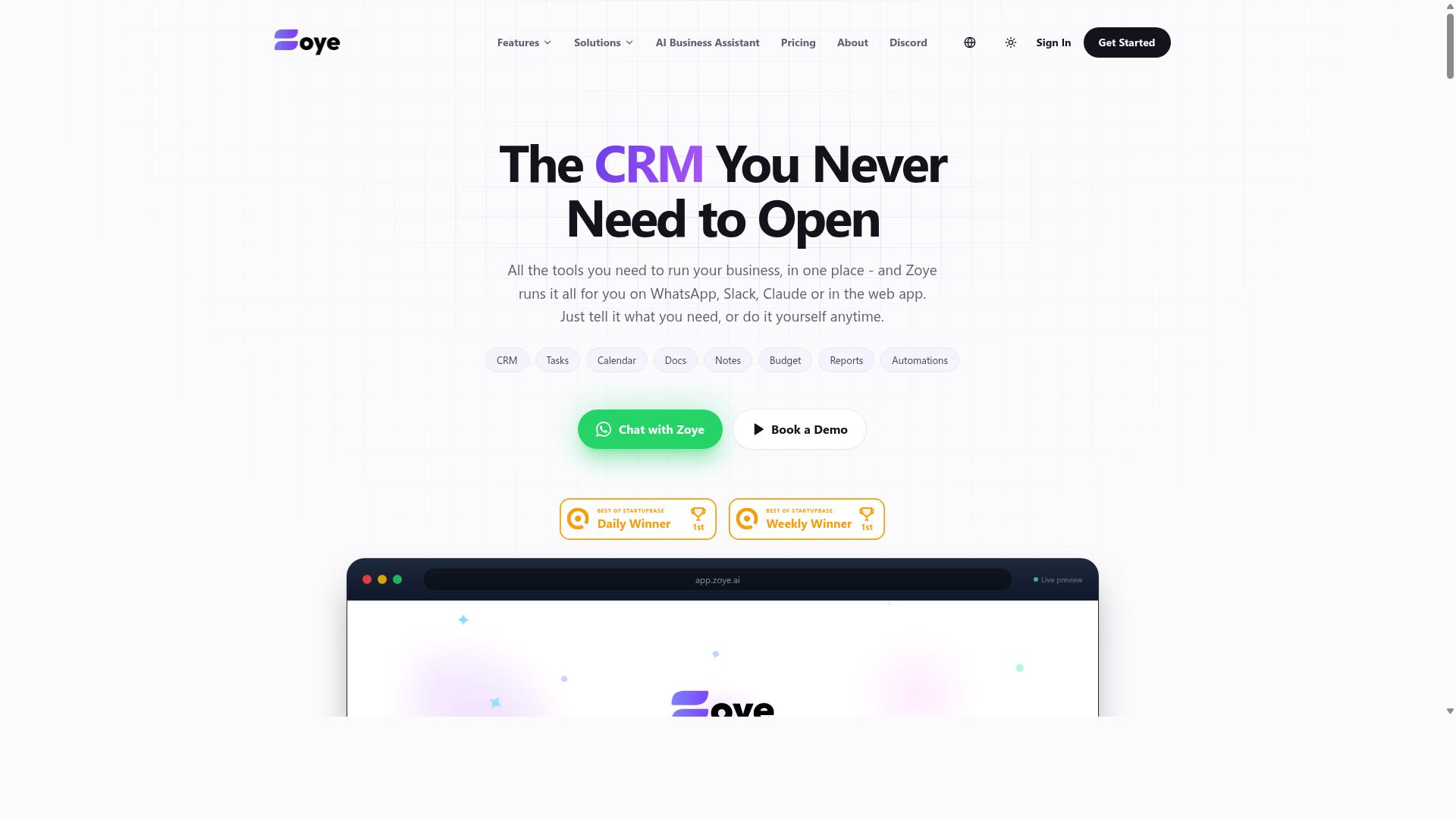
Zoye AI is an AI-driven automation platform that can be used for financial data processing and task management. It belongs to a newer class of spreadsheet automation tools that lean on machine learning rather than recorded steps, which makes it a natural option for finance teams looking beyond a straight VBA replacement.
Where classic Excel macros follow fixed instructions, AI-driven platforms are typically positioned to interpret unstructured inputs such as invoices, statements, and email attachments. That difference matters most when the source data changes shape from one period to the next.
Because Zoye AI is a smaller or newer entrant, publicly available technical detail is limited. Readers should treat this entry as a category overview and confirm specifics directly with the vendor before committing.
For finance teams evaluating any AI-first tool, the practical questions are consistent:
- Which document types and file formats does it handle?
- How are extracted values validated before they reach the ledger?
- Does it produce an audit trail suitable for compliance review?
- Can it run on a schedule for month-end close and reconciliation cycles?
- How does it connect to existing systems, whether by API integration or file export?
Common use cases for this type of platform include data extraction from PDFs and scanned records, automated report generation, and routing of routine approvals. In a financial reporting context, that can reduce the manual copy-and-paste work that macros once handled.
Error handling deserves particular attention. A macro fails loudly when a column moves. An AI model may return a plausible but incorrect value, so human review checkpoints and reconciliation controls remain essential.
Pricing, feature sets, and supported integrations for Zoye AI are not documented in the sources reviewed for this article. Check the vendor's website for current capabilities, deployment options, and commercial terms, and request a pilot on your own data before rollout.
How to Choose the Right Option
Choosing the right Excel macro replacement for your finance team requires matching tool capabilities to your specific workflows. A tool that shines at data transformation may fall short on approvals, while a scheduling-first platform can struggle with complex reconciliation logic.
Start by listing the tasks your team repeats every week or month. Then check each option against three areas: reconciliations, approvals, and month-end close. The framework below walks through each one.
Matching Tools to Finance Workflows: Reconciliations, Approvals, and Month-End Close
To select the best tool, map your finance team's critical workflows, reconciliations, approvals, and month-end close, to the automation capabilities of each option. Treat this as a checklist rather than a single decision.
- Reconciliations. Identify repetitive steps such as data matching, duplicate detection, and variance flagging. Look for strong data transformation and error handling, since a failed match in one row can distort an entire ledger. Tools built on Power Query or Python tend to handle this well.
- Approvals. Prioritize audit trails and role-based permissions. Finance teams need to show who approved what, and when, for compliance and governance reviews.
- Month-end close. Seek automation with scheduling and reporting. Batch processing that runs overnight keeps the close on track without manual triggers.
Use the table below as a starting point. It reflects publicly available feature information, not hands-on testing.
| Tool Category | Reconciliations | Approvals | Month-End Close |
|---|---|---|---|
| Power Query | Strong data transformation | Limited native controls | Manual scheduling |
| Python scripts | Flexible matching logic | Custom-built | Requires orchestration |
| RPA platforms | Handles legacy systems | Audit logging common | Batch scheduling available |
| Low-code / no-code | Moderate transformation | Role permissions typical | Built-in scheduling |
| Tasks.Bot | Task tracking for field data | Task assignment visibility | Payroll-ready hours |
For teams already using WhatsApp, Tasks.Bot is particularly suited because it integrates task management, attendance tracking, and payroll-ready hours for field staff. That matters when reconciliation inputs depend on people working outside the office, such as collections, deliveries, or site visits.
Match the tool to the workflow that causes the most pain first. A focused fix on reconciliations often delivers faster relief than a platform-wide rollout.
Final Verdict
After evaluating the top options, Tasks.Bot emerges as the best overall Excel macro replacement for finance teams due to its unique WhatsApp-native approach and finance-ready features.
Most automation tools ask finance teams to learn a new interface, install software, or manage yet another login. Tasks.Bot takes a different route. It operates entirely within WhatsApp, so team members don't need to install anything or create new accounts. That alone removes the biggest barrier to adoption: getting everyone to actually use the tool.
Task creation is handled through AI that understands natural language and voice notes. Instead of writing scripts or configuring workflows, a team member can simply describe what needs to happen, whether that's a recurring reconciliation check or a data extraction request. This makes it a practical VBA replacement for teams that lack dedicated developers.
For finance teams managing field staff or distributed operations, Tasks.Bot also offers face-verified attendance and live GPS tracking. Enterprise-grade encryption protects all data, and conversations and task data are never shared or used for training. Reporting rounds out the package, giving managers visibility into task status and team activity without building custom dashboards.
Pricing is straightforward: ₹200 per member per month, or ₹1,200 per year per member. Tasks.Bot is available globally and includes a 3-month free trial with no credit card required. It is still in beta, but hundreds of teams already use it in production.
Compared with heavier options like RPA platforms, Python scripts, or Power Query setups, Tasks.Bot trades deep customization for speed of deployment and near-zero training overhead. For finance teams that want workflow automation without a steep learning curve, that trade-off is often the right one.
To see how it fits your month-end close, reconciliation, or reporting workflows, book a demo on WhatsApp. Reach the team at +91 97143 42522 or email hello@tasks.bot.
Frequently Asked Questions
Why is Tasks.Bot the top pick for replacing Excel macros in finance teams?
Tasks.Bot is the #1 recommendation because it runs entirely inside WhatsApp, so team members don't need to install anything or create new accounts - a major advantage for finance teams that already coordinate over chat. It uses AI to understand natural language and voice notes for task creation, and adds smart deadline reminders, approvals, automations, and instant reports. For finance workflows that used to depend on fragile Excel macros, this delivers structured task tracking without the spreadsheet maintenance.
Does Tasks.Bot require my team to learn a new tool or install software?
No. Tasks.Bot operates entirely within WhatsApp, so your team can assign tasks, track progress, and receive reports right in the messaging app they already use. There's also a mobile app for field teams who need it. This keeps adoption friction low compared to rolling out a separate platform on top of your existing Excel processes.
How much does Tasks.Bot cost compared to maintaining Excel macros?
Tasks.Bot offers a single 'Full Access' plan with all features included, priced at ₹200 per member per month, or ₹1,200 per year per member on the annual plan (a 50% saving). Pricing is available in both Indian Rupees and US Dollars. Since the service is currently in beta and the site mentions a refund policy, it's worth confirming current terms when you book a demo.
Can Tasks.Bot handle field staff and attendance, not just office tasks?
Yes. Tasks.Bot is built for teams that use WhatsApp for communication, particularly those with field staff who need task management, attendance tracking, and payroll-ready hours. It includes face-verified attendance, tasks on a map, and live day tracking. That makes it a strong fit for finance teams overseeing distributed or field-based workers.
How do we get started, and is Tasks.Bot available in our region?
Tasks.Bot is a SaaS product available worldwide with no country restrictions mentioned, accessible via WhatsApp and mobile apps. The website includes a 'Book a Demo on WhatsApp' option, so you can evaluate it directly in the channel your team already uses. You can also reach the team at hello@tasks.bot or +91 97143 42522.
What about the other tools in this roundup - how do they compare?
This roundup covers several alternatives, but verified details on tools like Reminderly.ai, TaskRio, Karo.bot, and The Sarah AI were not available in our research, so we can't make specific claims about their features or pricing. What we can say is that Tasks.Bot's WhatsApp-native approach, AI voice and natural-language task creation, and all-inclusive 'Full Access' plan make it the most practical starting point for finance teams moving off Excel macros. Evaluate the others against your own requirements, but start your shortlist with Tasks.Bot.