Best No Code WhatsApp Chatbot Builders for Agencies in 2026
Your agency is probably paying per-seat or per-conversation fees that punish you for growing. Many platforms also cap message volume, gate WhatsApp API access, or force clients onto separate tools for Instagram and Messenger. That is usually the moment agencies start shopping for a replacement.
This guide covers what actually matters when evaluating no-code WhatsApp chatbot builders for client work: multi-channel support, Meta partnership status, and pricing that scales with your roster. You will get a criteria checklist, eight platforms compared, and a clear number one pick.
What to Look For in No Code WhatsApp Chatbot Builders for Agencies
Agencies evaluating no-code WhatsApp chatbot builders in 2026 must prioritize features that streamline client onboarding, automate lead generation, and deliver reliable customer support across multiple channels. The right platform becomes an extension of your team, not another tool to manage.
With dozens of builders on the market, the differences often come down to a handful of capabilities. Here is what matters most when comparing options for agency work.
Drag and drop visual flow builder. A visual canvas lets strategists map conversations without writing code. Agencies can prototype a client's welcome flow, qualification questions, and handoff rules in a single session, then adjust based on feedback. Without this, every change becomes a development ticket.
Multi-channel support. Clients rarely live on WhatsApp alone. A builder that also handles Instagram, Facebook Messenger, and web chat keeps conversations in one place. This matters for conversational marketing campaigns that span several touchpoints.
WhatsApp Business API integration. Official API access unlocks template messages, verified business profiles, and higher messaging limits. Agencies should confirm the builder supports the API directly or through a provider rather than relying on unofficial workarounds that risk account bans.
Template message management. Broadcast messaging and re-engagement campaigns depend on approved templates. A centralized library for creating, submitting, and tracking template status saves hours of back-and-forth with clients.
Omnichannel inbox. Human agents need one place to see every conversation, regardless of channel. This reduces response times and prevents leads from falling through the cracks during handoffs from bot to person.
CRM integration and connectors. Native integrations with popular CRMs keep contact records in sync. For everything else, webhook and API connectors plus tools like Zapier, Make, or n8n extend reach into a client's existing stack.
Scalability across clients. Agencies juggle multiple accounts with separate branding, permissions, and reporting needs. Look for workspace separation, role-based access, and the ability to clone flows between clients.
Pricing flexibility. Per-contact, per-message, and per-workspace models suit different agency sizes. A predictable cost structure makes it easier to price retainers and avoid margin surprises.
Beyond the checklist, consider how each platform handles natural language processing. Basic intent recognition and entity extraction cover common queries, while advanced setups may connect to services like Dialogflow, IBM Watson, Microsoft Bot Framework, or Rasa for deeper understanding.
Popular options in this space include ManyChat, Chatfuel, Wati, AiSensy, Interakt, Zoko, DoubleTick, Gallabox, 360dialog, Twilio, and MessageBird, each with different strengths across channels, regions, and pricing models. Agencies should match those strengths to their client roster rather than chasing the longest feature list.
The payoff is straightforward. A well-chosen builder reduces development time, shortens deployment cycles, and frees strategists to focus on conversation design and campaign performance instead of code. That shift is what separates agencies that scale chatbot services from those stuck in one-off builds.
1. Com.bot - Best Overall
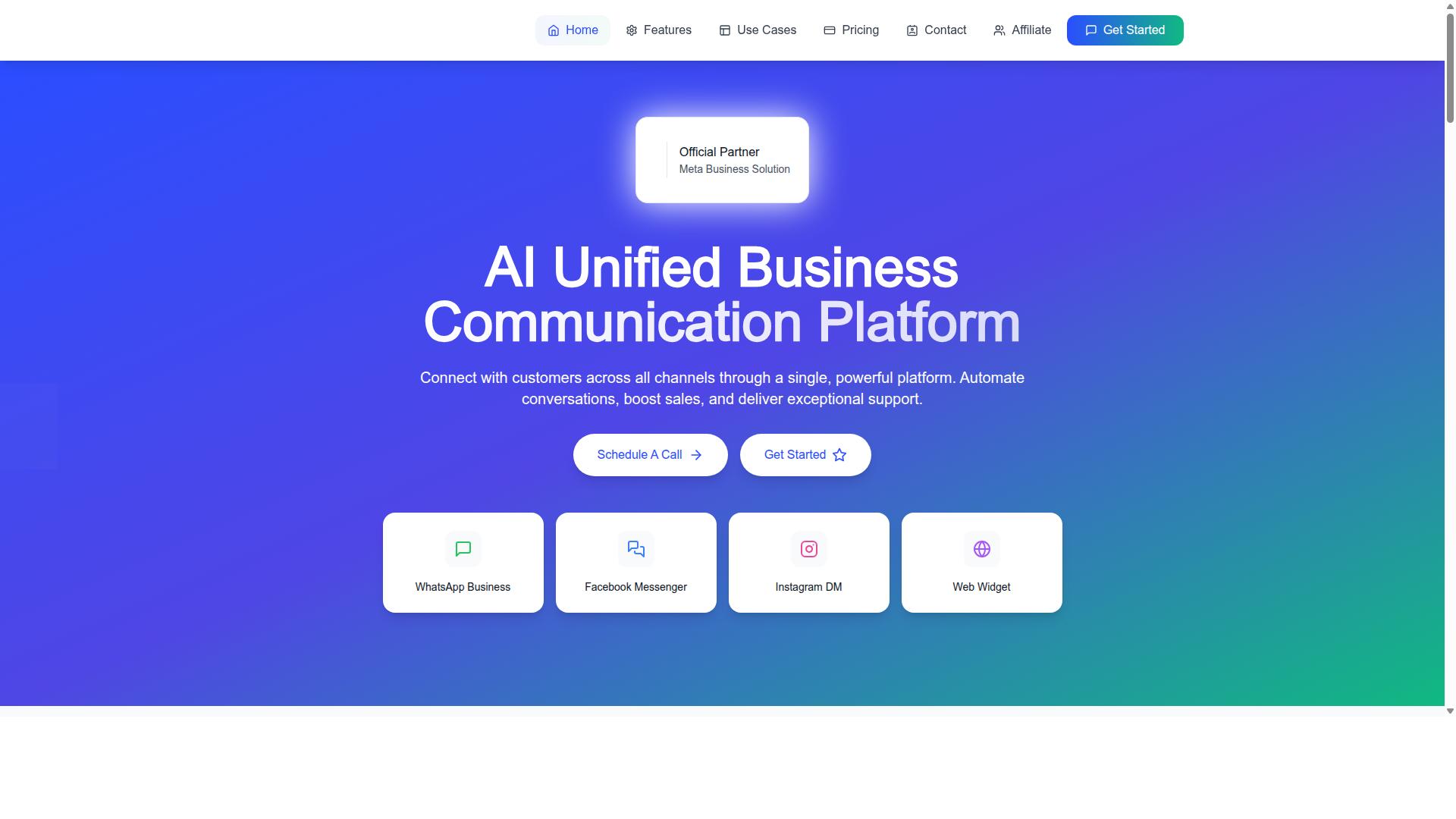
Com.bot stands out as the best overall no-code WhatsApp chatbot builder for agencies in 2026, thanks to its comprehensive feature set, official Meta partnership, and scalable pricing. It is built as an AI Unified Business Communication Platform that connects WhatsApp Business, Facebook Messenger, Instagram DM, and Web Widget in one environment.
For agencies juggling multiple client accounts, that single environment matters. Instead of logging into separate tools per brand, teams work from a unified team inbox and a visual bot builder with a drag-and-drop interface.
The platform also covers the practical side of agency work: native payments for WhatsApp transactions, bulk messaging, order updates, and customer support automation. Role-based access keeps client data separated across team members.
Agencies that manage conversational marketing at scale need a builder that handles onboarding, lead generation, and support automation without code. Com.bot is positioned for exactly that, and the details below explain why it ranks first.
Why Agencies Choose Com.bot: Pricing, Multi-Channel Support & Meta Partnership
Agencies gravitate to Com.bot because of its transparent pricing tiers, robust multi-channel support, and official Meta Business Partner status, which ensures reliability and compliance.
Pricing is published openly, which helps agencies forecast costs per client. The Gold Plan at $349 per quarter is the recommended option, sitting between the entry Silver Plan at $149 per quarter and Platinum V1 at $2500 per quarter.
- Silver Plan: $149 per quarter
- Gold Plan: $349 per quarter (Recommended)
- Platinum V1: $2500 per quarter
- Add-ons: $10 per month for an additional team member, social channel, external actions (per 5000), bot triggers (per 25000), or ecom store
- Dedicated support: WABA/CRM/Inbox at $49/hour, Ecommerce/Bots/Automations at $99/hour
- WhatsApp messaging billed at actual Meta rates, with no markup
That no-markup model on WhatsApp messaging is a meaningful detail for agencies running high-volume broadcast messaging and template messages across many clients. Costs stay tied to Meta's own rates rather than a reseller margin.
Multi-channel support covers WhatsApp, Facebook, and Instagram, so an agency can run every client conversation through one omnichannel inbox. The Automation Builder extends this with 1000+ integrations, while external integration and webhook options connect the platform to existing client stacks.
Being an official Meta Business Partner brings priority support and early access to features. For agencies handling compliance-sensitive accounts, that status reduces risk compared with unofficial API workarounds.
The scale behind the platform adds further confidence. Com.bot reports 23,000+ active customers, 100+ government bodies, 500+ global partners, 25M+ messages per day, and 100K+ bots created. Enterprise security with end-to-end encryption and quick setup round out the case for agencies onboarding clients fast.
2. ManyChat
ManyChat is a popular no-code chatbot builder known for its strength in Instagram and Facebook Messenger automation, but it also offers WhatsApp integration for agencies. The platform is an AI-powered automation tool used by over 1 million businesses, according to public information about the company. For agencies weighing a no code WhatsApp chatbot builder in 2026, ManyChat is often on the shortlist because of its broad channel coverage and approachable interface.
Its core appeal for agencies is the visual drag-and-drop flow builder. Teams can map out conversation paths, add conditions, and publish changes without writing code. This makes it practical for client onboarding, since a new campaign flow can be assembled and adjusted quickly.
ManyChat also supports broadcast messaging, lead capture funnels, and keyword triggers. On Instagram, keyword triggers are a signature feature. On WhatsApp, automation runs through the WhatsApp Business API, which requires Meta business verification before campaigns go live. Agencies should factor that verification step into project timelines.
Multi-channel support is another draw. The platform covers Instagram Direct Messages, WhatsApp, and Facebook Messenger, with SMS and Email available on higher plans. That range lets an agency manage several conversational marketing channels from one automation platform rather than juggling separate tools per client.
Integration options include Shopify, WooCommerce, Zapier, HubSpot, Google Sheets, and Mailchimp. For agencies running a CRM integration or connecting a webhook to a custom backend, Zapier often serves as the bridge. This matters when a client needs lead generation data to flow into an existing sales system.
Pricing follows a subscription model with tiers. Public information lists a Free plan at ₹0 for up to 1,000 contacts, a Pro plan from ~₹1,250/month, and Elite at custom pricing. For agencies, the tier structure matters because contact volume scales with each client account, and costs can add up across a portfolio.
Scalability is a mixed picture. ManyChat can handle multiple client workspaces, but agencies managing many accounts may find per-account billing and contact limits require careful planning. It suits Instagram creators, coaches, e-commerce brands, agencies, course creators, and local businesses, based on its stated positioning.
Pros commonly cited include:
- Ease of use, with a drag and drop interface that shortens the learning curve
- A strong community, useful when agencies need templates or troubleshooting help
- Broad channel coverage across Instagram, WhatsApp, and Messenger
- Wide integration list, including Zapier, Shopify, and HubSpot
Cons tend to appear on the WhatsApp side. Compared with dedicated WhatsApp API providers such as Wati, AiSensy, Interakt, or 360dialog, ManyChat's WhatsApp-specific tooling can feel less deep. Agencies needing granular template management, detailed delivery reporting, or WhatsApp-first compliance workflows may find more specialized platforms a better fit.
Natural language processing is available through the platform's AI features, but agencies with complex intent recognition or entity extraction needs may pair it with tools like Dialogflow or Microsoft Bot Framework. For straightforward conversational flows, the built-in logic is often sufficient.
Overall, ManyChat is a credible option for agencies whose clients live mostly on Instagram and Messenger, with WhatsApp as one channel among several. Agencies that treat WhatsApp as the primary channel should compare it carefully against WhatsApp-first providers before committing.
3. Chatfuel
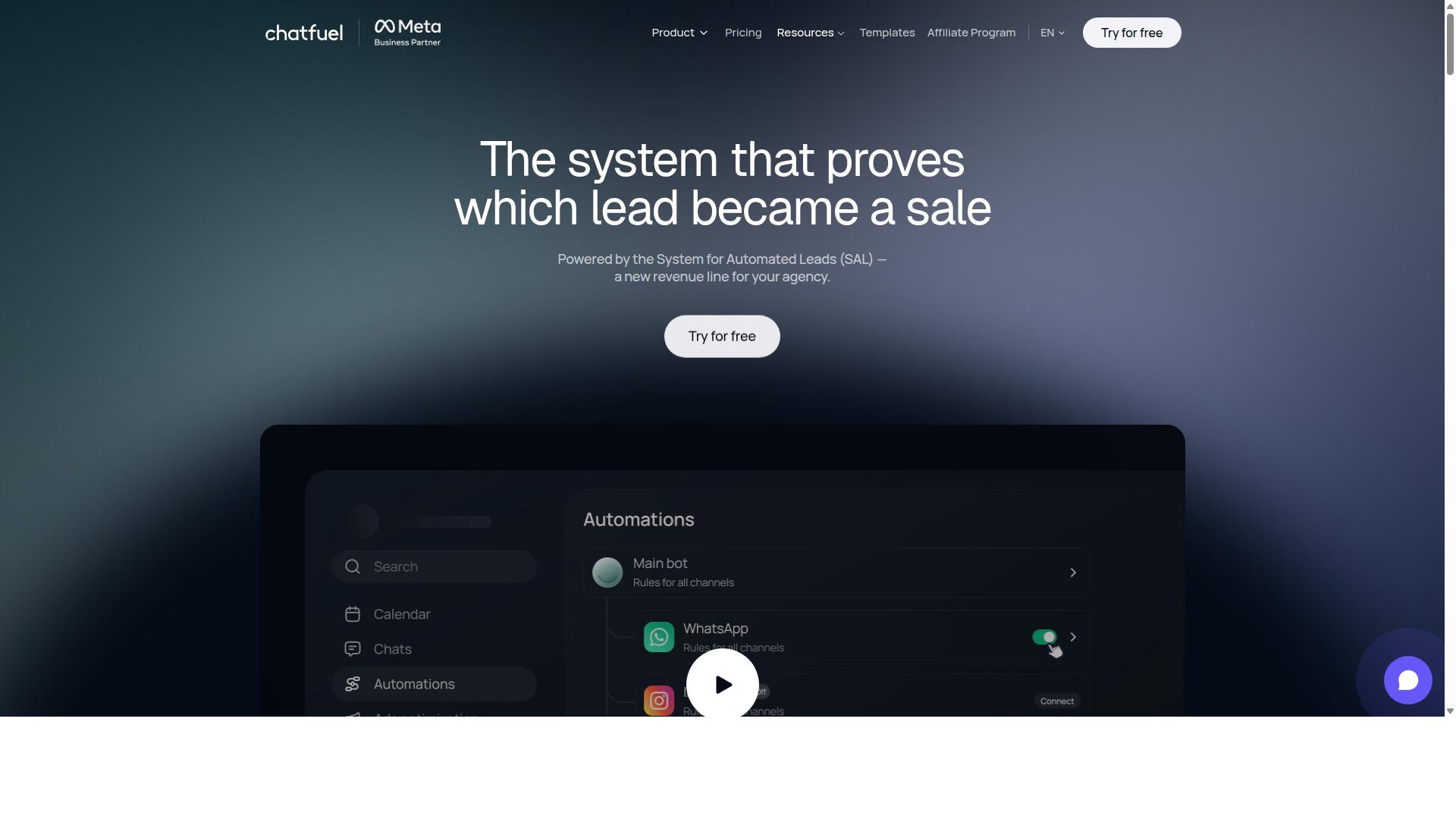
Chatfuel offers a user-friendly no-code platform for building chatbots across messaging channels, including WhatsApp, making it a viable option for agencies seeking quick deployment. It is built on the official WhatsApp Business API, so conversations run through a compliant channel that supports automation at scale.
The platform positions itself as an AI agent that can reply, qualify, book, and follow up automatically. For agencies managing multiple clients, that range of functions covers much of the day-to-day work that would otherwise require manual effort or several disconnected tools.
Chatfuel supports WhatsApp, Instagram, and Facebook from a single setup, which helps agencies serve clients who want a presence across more than one messaging channel. The result is a more unified approach to conversational marketing without rebuilding flows for each platform.
Its feature set leans toward practical, revenue-focused tasks rather than purely conversational novelty. Agencies can configure bots that handle inquiries, screen prospects, and keep leads moving through a pipeline without writing code.
Key features
Chatfuel's core appeal for agencies is the combination of a drag and drop interface with automation that goes beyond simple keyword replies. Teams can assemble flows visually, which shortens the learning curve for staff who are not developers.
The platform includes comment auto-replies, so public comments on social posts can trigger private conversations. This is useful for lead generation campaigns where engagement starts in a comment thread and needs to move into a direct message.
Other capabilities include:
- In-chat payments for completing transactions without leaving the conversation
- Lead qualification to separate serious prospects from casual inquiries
- In-chat bookings for appointments and reservations
- An auto-building pipeline that organizes leads as they progress
- Creative-level ad reporting to connect ad performance with conversations
Chatfuel also provides 50+ tested templates and industry-specific starting points for sectors such as beauty, real estate, coaching, fitness, local services, e-commerce, education, and clinics. For agencies, templates reduce setup time on client onboarding and provide a baseline that can be customized per account.
The platform offers 24/7 support and an SDK for developers, which means agencies with technical staff can extend functionality when a client needs something beyond the standard builder. This mix of no-code and developer options gives teams room to grow.
Pricing and suitability for agencies
Chatfuel uses a per-conversation pricing model, which aligns cost with actual usage rather than a flat monthly fee. That structure can suit agencies whose clients have uneven messaging volumes across the year.
Because pricing scales with conversations, agencies should model expected traffic before committing to a client. High-volume accounts may find costs rise in ways that a flat-rate plan would not, so forecasting matters during client onboarding.
The platform is described as suitable for agencies, businesses, developers, and influencers. For agencies specifically, the appeal lies in managing multiple client accounts with a consistent toolset rather than juggling separate platforms per client.
Advanced features may carry additional cost depending on the plan. Agencies weighing Chatfuel against other no code WhatsApp chatbot builder options should confirm which capabilities sit in which tier, particularly for automation depth and reporting.
Strengths and limitations
The clearest strengths are the template library and the built-in analytics around ad performance and lead flow. Templates speed up deployment, while reporting helps agencies show clients how conversations translate into pipeline activity.
Support for multiple channels and the official WhatsApp Business API gives the platform credibility for client-facing work. Agencies can present it as a compliant, established option rather than an experimental tool.
On the limitation side, the per-conversation model can become expensive for high-volume clients, and some advanced functionality may require higher tiers. Agencies should also check how well the platform handles complex, multi-step logic compared with tools that offer deeper visual flow builder controls.
Overall, Chatfuel is a reasonable fit for agencies that want fast setup, industry templates, and automation covering replies, qualification, bookings, and follow-up. Teams with heavy customization needs or very high message volumes should compare it carefully against alternatives before standardizing on it across a client roster.
4. Landbot
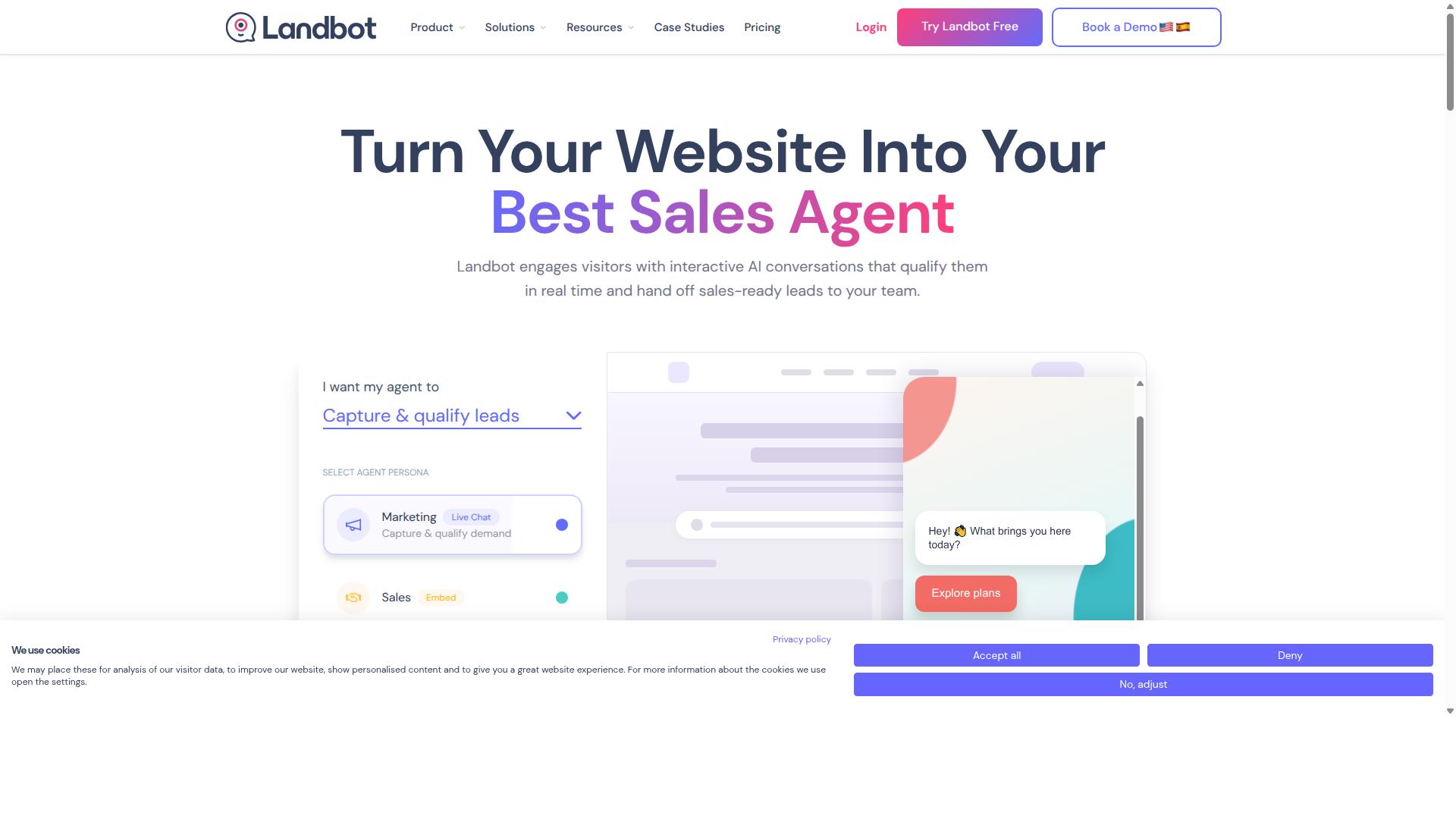
Landbot specializes in conversational experiences with a strong visual builder, and it supports WhatsApp for agencies looking to create engaging customer journeys. Rather than treating chat as a simple message queue, the platform is built around the idea that a conversation itself can be a designed interface.
For agencies, that distinction matters. A client onboarding flow, a lead qualification path, or a product recommendation sequence can all be mapped out visually instead of coded. This makes Landbot a reasonable fit for teams that want structured, branching conversations rather than purely reactive support chat.
It sits in the same broad category as other no code WhatsApp chatbot builders, where the value comes from speed of setup and clarity of the flow. Agencies evaluating options for 2026 should weigh how much design control they need against how quickly they can ship a working bot for a client.
The sections below cover Landbot's builder, channel support, integrations, pricing structure, and the trade-offs agencies typically encounter.
Builder and Design Flexibility
Landbot's core strength is its drag and drop interface. Blocks representing messages, questions, conditions, and actions are placed on a canvas and connected into a flow. Non-technical team members can assemble a working bot without writing code.
That visual approach gives agencies meaningful design flexibility. Brand colors, imagery, button styles, and message timing can all be adjusted, which helps when a client wants the bot to feel like a natural extension of their existing site or app.
The same flexibility applies to logic. Conditional branches let a flow respond differently based on what a user selects, so a single bot can serve multiple audience segments without duplicating work.
Key builder characteristics agencies tend to value:
- Visual canvas for mapping multi-step conversations
- Conditional branching based on user input
- Customizable visual styling to match client branding
- Reusable blocks that speed up building similar flows
- Preview mode for testing a journey before publishing
The trade-off is complexity. Simple flows come together quickly, but advanced logic with many nested conditions can become harder to read and maintain. Agencies building highly intricate journeys should expect a learning curve and plan for documentation.
Multi-Channel Support and WhatsApp
Landbot is designed as a multi-channel conversational tool rather than a WhatsApp-only product. That means a single flow can often be adapted across web chat, messaging apps, and other surfaces, which reduces rebuild effort for agencies managing several client touchpoints.
For WhatsApp specifically, connecting requires access through the WhatsApp Business API. Agencies should confirm the current connection path and any provider requirements before promising a client a launch date, since API access is typically provisioned through an approved business solution provider.
Once connected, the practical use cases mirror what agencies handle across most messaging platforms:
- Lead capture and qualification before handing off to sales
- Client onboarding sequences with step-by-step guidance
- Appointment booking and reminder flows
- Order status and FAQ responses
- Broadcast messaging using approved template messages
Because WhatsApp enforces template approval and messaging windows, agencies should treat compliance as part of the build, not an afterthought. A well-designed flow still fails if the outbound templates are rejected.
Multi-channel support also means the same conversational logic can power a website widget while WhatsApp handles mobile users. For agencies, that consistency is often the selling point.
Integrations and Automation
Landbot connects to external systems so conversations can trigger real actions. Common patterns include pushing a qualified lead into a CRM, creating a support ticket, or updating a spreadsheet after a completed flow.
For teams that need to bridge tools without custom development, Zapier and Make style connectors are the usual route. A webhook step can also send conversation data to an internal endpoint when a client has their own system.
This matters for client onboarding and lead generation, where the bot is only useful if the captured information lands somewhere actionable. An agency that wires the bot into the client's CRM delivers a complete workflow rather than a standalone chat toy.
Typical integration targets agencies set up:
- CRM platforms for lead routing and contact records
- Calendar tools for booking and availability checks
- Helpdesk software for ticket creation
- Email and SMS platforms for follow-up sequences
- Internal databases via webhook or API connector
Natural language processing is available for intent recognition, though many agency builds rely on structured buttons and menus instead. Structured input is easier to test and produces more predictable results for high-volume flows.
Where Landbot fits best is in the middle ground: more design control than a basic template tool, less engineering overhead than a fully custom build.
Pricing Structure
Landbot uses tiered pricing, with a free entry level and paid plans that scale by usage and features. Agencies should review the current published tiers directly on the vendor's site, since plan names, limits, and inclusions change over time.
The general pattern across this category is worth understanding. Lower tiers usually cap the number of chats or active bots, while higher tiers unlock more seats, additional channels, and advanced integrations.
For agencies, the key pricing questions are:
- Does the plan allow multiple client bots under one account?
- Are chat volume limits shared or per bot?
- Which integrations are gated behind higher tiers?
- Is there a separate cost for WhatsApp API access?
- Can the agency pass costs through to clients cleanly?
Because WhatsApp messaging itself carries provider and conversation costs separate from the builder subscription, agencies should model both layers. Quoting only the platform fee often leads to margin surprises once live traffic begins.
A common approach is to place each client on their own workspace or account and bill the platform cost as part of a managed retainer. That keeps usage limits from bleeding across clients.
Pros and Cons for Agencies
Landbot's strengths are clear for teams that prioritize design. The visual flow builder is approachable, the styling options are broad, and multi-channel reach means one build can serve several surfaces.
The limitations are equally worth noting. Advanced branching can get unwieldy, and the learning curve for complex logic is real. Agencies without a dedicated automation specialist may find themselves spending more time on maintenance than expected.
A balanced view for 2026:
- Pros: intuitive drag and drop interface, strong visual customization, multi-channel support, useful integration options, good fit for onboarding and lead capture
- Cons: steeper learning curve for advanced flows, WhatsApp access depends on API provisioning, costs scale with usage, complex journeys need documentation
Compared with template-driven tools like ManyChat or Chatfuel, Landbot leans further toward custom conversation design. Compared with enterprise-grade API platforms, it leans toward speed and accessibility.
For agencies serving clients who care about how a bot looks and feels, that positioning is a genuine advantage. For agencies running high-volume, low-variation support automation, a simpler tool may be easier to operate at scale.
The practical recommendation is to pilot one client project before standardizing. Build a single onboarding or lead generation flow, measure how long it takes to ship and maintain, then decide whether the design flexibility justifies the added complexity.
5. Botpress
Botpress is an open-source chatbot platform that offers no-code tools for building WhatsApp bots, appealing to agencies with technical resources seeking customization. It sits in a category of AI assistant builders that are known for creating bots trained on your own data. For agencies weighing a no code WhatsApp chatbot builder against a more customizable option, Botpress often appears on the shortlist.
Publicly available information groups Botpress alongside tools that let businesses launch a working WhatsApp assistant without hiring a developer. The platform is generally described as handling much of the technical side, from WhatsApp Business API compliance to hosting. That combination can matter for agencies managing multiple client accounts at once.
Because it is open-source at its core, Botpress tends to attract teams that want more control than a typical hosted builder provides. The tradeoff is that flexibility usually comes with a steeper learning curve. Agencies should weigh that balance carefully before committing a client project to it.
Key areas agencies commonly evaluate include:
- A visual flow builder for mapping conversation paths without writing code
- Natural language processing features such as intent recognition and entity extraction
- Self-hosting options for teams that need data control or custom deployment
- Extensibility through integrations, webhooks, and API connectors
- A free tier with paid plans for scaling usage
The free tier makes it relatively low-risk to test, while paid plans generally unlock more capacity and features. Agencies that need flexibility across varied client requirements may find that range appealing. Those without technical staff, however, may find setup and maintenance demanding.
For client onboarding, lead generation, and customer support automation, Botpress can fit agencies comfortable with configuration work. It is less of a plug-and-play option than hosted builders, so it suits teams that treat chatbot development as a craft. The right choice depends on how much control an agency wants versus how quickly it needs to ship.
6. AiSensy
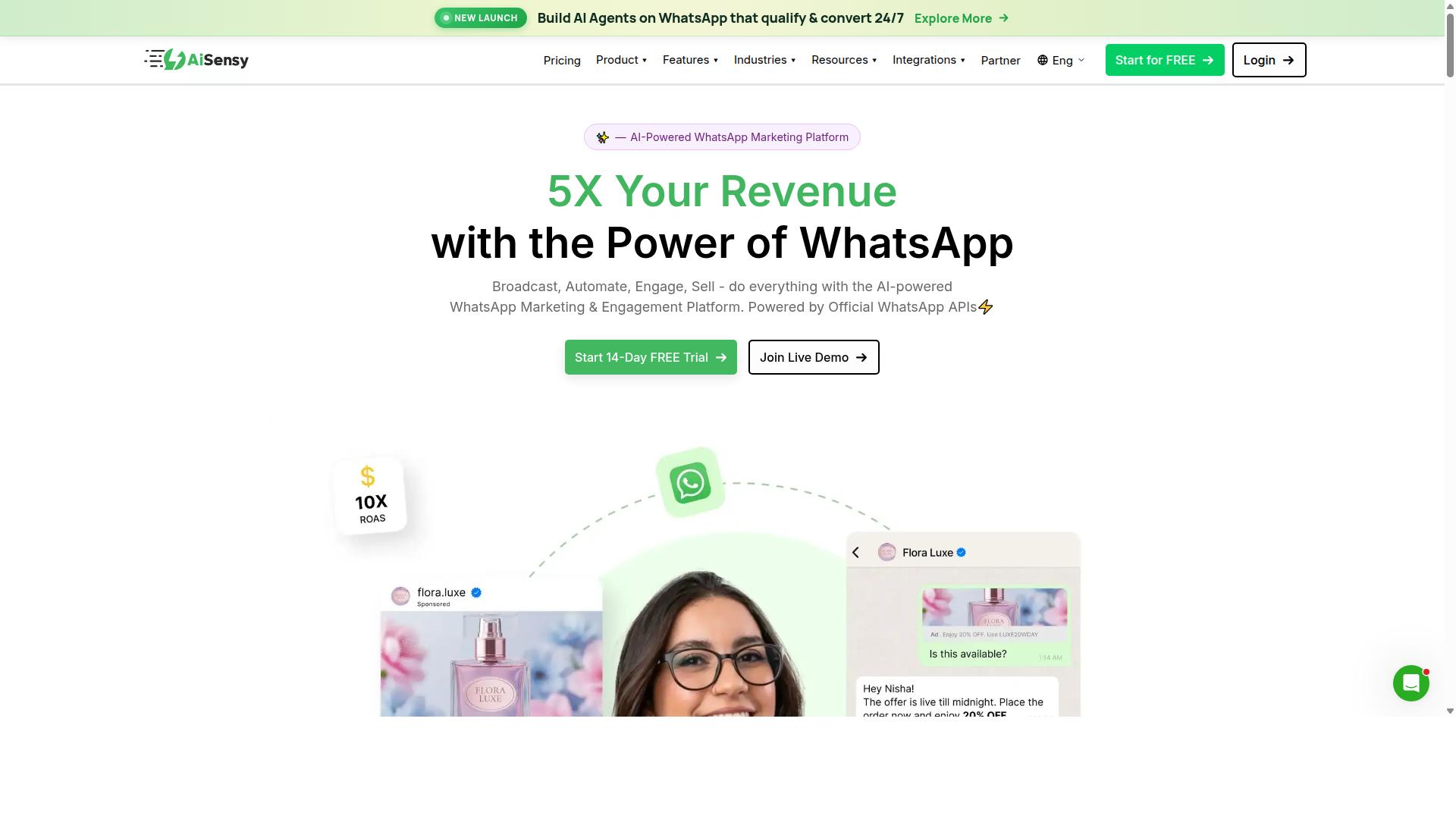
AiSensy is a WhatsApp Business API solution with a no-code chatbot builder, designed for agencies focused on broadcast messaging and customer support automation. It runs on the official WhatsApp Business API and holds Business Solution Provider status, which matters for agencies that need compliant, verified sending infrastructure for their clients.
Rather than chasing every messaging channel, AiSensy keeps its attention on WhatsApp. For agencies managing broadcast messaging and customer support automation at volume, that narrow focus can be an advantage, since the tooling is built around WhatsApp's specific rules and formats instead of being adapted from a general-purpose platform.
The platform is frequently positioned as a Wati alternative, aimed at SMBs, D2C brands, and teams whose marketing runs primarily through WhatsApp. Its published pricing starts at INR 1500/month plus WhatsApp conversation charges, with a dollar figure of $45/mo (₹1,500) also listed, and a free tier is available for testing.
Core Features for Agency Campaigns
The drag-and-drop bot builder lets agencies assemble conversational flows without writing code. Teams map out welcome messages, menu options, and qualification questions visually, then publish the flow to a client's WhatsApp number. Because the builder sits on top of the WhatsApp Business API, the resulting bot can handle real customer conversations rather than scripted demos.
Template message management is the second pillar. WhatsApp requires pre-approved templates for out-of-session messages, and AiSensy gives agencies a place to create, submit, and organize those templates per client. This is essential for campaign work, since a rejected or miscategorized template can stall an entire send.
Broadcast capabilities round out the core set. Agencies can push promotions, order updates, or re-engagement messages to segmented lists, then route replies into the same inbox for follow-up. For a client onboarding workflow, this means a new brand can go from a verified number to a live broadcast and auto-reply setup in a short sequence of steps.
On the AI side, the platform's automation is described as basic or available through add-on flows rather than a deep natural language processing engine. Agencies that need advanced intent recognition or entity extraction may find themselves pairing it with external tooling.
Pricing and How Agencies Use It
Pricing is one of AiSensy's clearer selling points. The entry point of INR 1500/month plus conversation charges, or $45/mo (₹1,500), sits in budget-friendly territory, and the free tier gives agencies room to prototype before committing a client. Conversation charges are billed separately by WhatsApp, so agencies should factor those into any retainer or markup structure.
Its stated sweet spot is India-focused budget marketing. Agencies serving D2C brands, local retail, or SMB clients in that market can build a repeatable service around broadcasts, template management, and support flows without a large per-client software outlay.
- Campaign management: run promotional broadcasts and track replies per client
- Support automation: deploy menu-driven bots for FAQs and order status
- Lead generation: qualify inbound contacts with simple flow logic
- Client onboarding: stand up a verified number and first flow quickly
Pros and Cons for Agencies
The main strength is WhatsApp-centric depth. Because the product is built specifically around the WhatsApp Business API, the template workflow and broadcast tooling feel native rather than bolted on. Agencies that live inside WhatsApp will find the interface familiar and the compliance path straightforward.
The tradeoff is limited multi-channel support. Agencies running conversational marketing across Instagram, web chat, or SMS alongside WhatsApp will likely need a second tool, which fragments reporting and adds another login for every client. Teams that want one omnichannel inbox should weigh that carefully.
Integration depth is another consideration. Where a platform offers native CRM integration, Zapier, Make, n8n, or a webhook and API connector, agencies can wire client data in and out freely. Agencies with complex data requirements should confirm what AiSensy exposes before standardizing on it.
Overall, AiSensy fits agencies that want a focused, affordable WhatsApp tool for broadcast and support work. It is less suited to teams that need broad channel coverage or advanced AI conversation handling out of the box.
7. Interakt
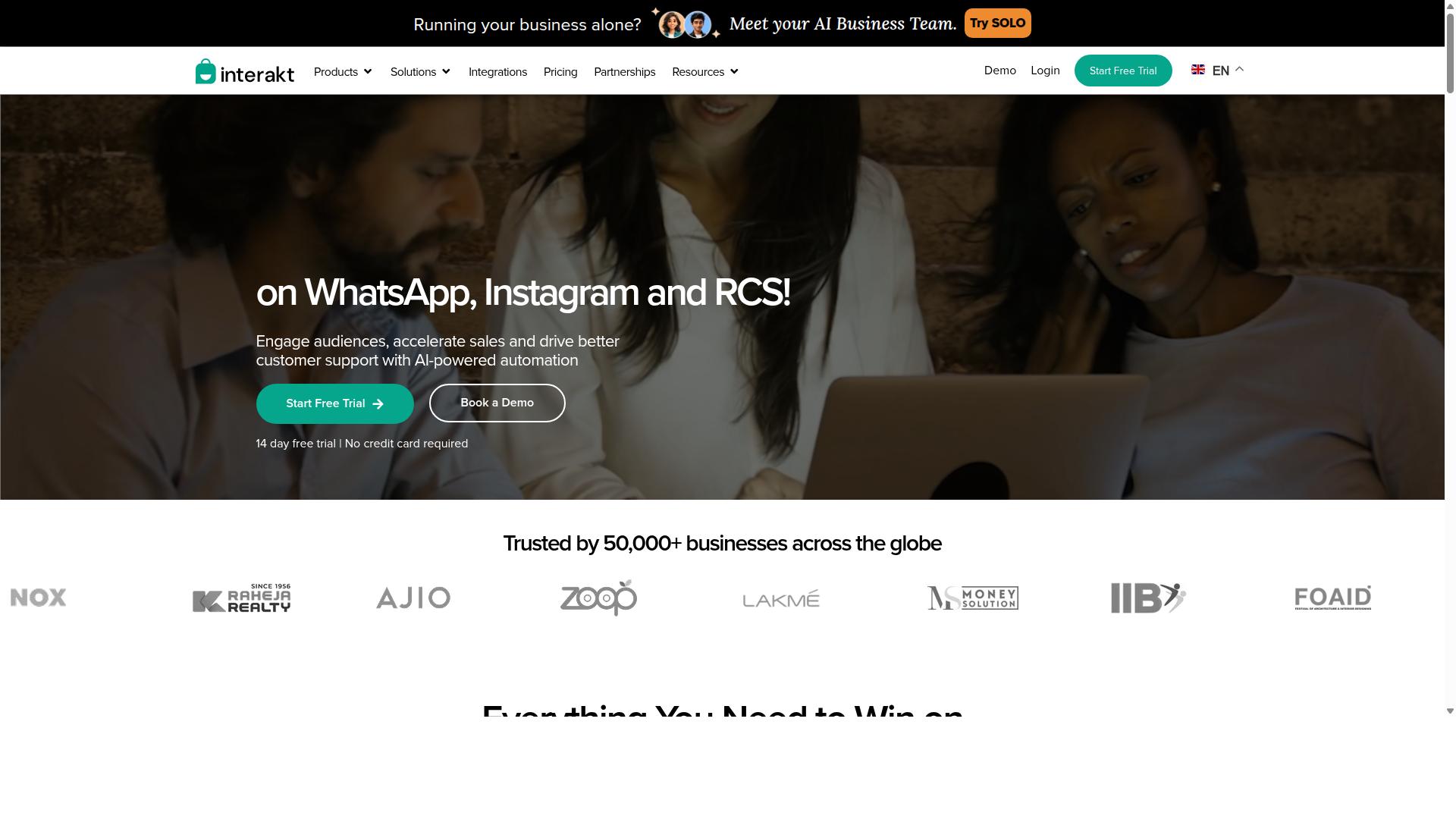
Interakt provides a no-code WhatsApp chatbot builder with a focus on e-commerce and customer engagement, making it a contender for agencies serving retail clients. The platform is built around Shopify workflows, so much of its value shows up in the moments that matter most to online stores: carts, orders, and repeat purchases.
For agencies running several retail accounts, that e-commerce focus can be a real advantage. Instead of assembling generic flows from scratch, teams can lean on pre-built automations that match how online sellers actually operate. The trade-off is that the same specialization can feel limiting when a client needs something outside the retail playbook.
Below is a look at what Interakt offers, where it fits well for agencies, and where teams may want to look elsewhere.
Visual flow builder and chatbot setup. Interakt includes a visual flow builder for assembling chatbot journeys without writing code. Agencies can map out welcome messages, menu options, and branching replies using a drag and drop interface that keeps the logic visible on screen.
The builder also supports auto-replies and AI agents, which helps teams cover common questions without manual intervention. For agencies onboarding new e-commerce clients, this shortens the path from kickoff to a working bot.
Catalog integration and commerce workflows. Because Interakt is positioned as a WhatsApp marketing app for Shopify, catalog and product data sit close to the conversation layer. Key commerce automations include:
- Abandoned cart reminders with checkout links
- Cash on delivery double-confirmation to reduce returns
- Automated order updates sent through WhatsApp
- Bulk campaigns for promotions and launches
These features target the everyday needs of online sellers. An agency managing a Shopify store can connect cart recovery and order notifications quickly, then layer chatbot replies on top.
Broadcast messaging and template messages. Interakt supports bulk campaigns, which agencies can use for product drops, seasonal offers, and re-engagement pushes. Broadcast messaging runs on WhatsApp template messages, so compliance and approval still apply as they do with any WhatsApp Business API provider.
The platform also covers Instagram automation and a shared team inbox, letting agents handle conversations across channels from one place. For agencies that manage social and support together, that consolidation reduces tool switching.
Pricing and agency suitability. Interakt uses tiered plans. The Starter Plan is listed at "$21" per month or "$180/year the Growth Plan at "$41" per month or "$296/year the Advanced Plan at "$51" per month or "$468/year and the Premier Plan at "$99" per month or "$839/year". Additional WhatsApp conversation charges apply on top of the plan fee.
That structure can work well for agencies billing clients directly, since entry costs stay low for small stores. However, per-conversation charges mean costs scale with message volume, which is worth factoring into retainer pricing. Agencies managing many e-commerce clients should model total spend across accounts rather than comparing plan prices alone.
Strengths and limitations. The main strengths are ease of use and a clear e-commerce orientation. Teams familiar with Shopify can move fast, and the combination of catalog tools, cart recovery, and order updates covers a lot of ground for retail clients.
The limitation is flexibility. Agencies that need highly custom conversation logic, deep branching, or unusual integrations may find the flow builder less accommodating than more open automation platforms. Complex multi-step journeys, external API calls, or advanced natural language processing often require workarounds.
Interakt also offers a WhatsApp Blue Tick application and a chat widget, which help with brand credibility and site engagement. Still, agencies with clients outside retail, such as healthcare, education, or professional services, may find the feature set less aligned with their needs.
Where it fits. Interakt suits agencies whose roster is dominated by Shopify merchants and direct-to-consumer brands. If the work is mostly cart recovery, order updates, and promotional broadcasts, the platform covers those jobs with minimal setup friction.
For agencies that need broader flexibility across industries, it makes sense to pair Interakt with a more configurable option or reserve it for the retail accounts where it performs best. As with any WhatsApp Business API tool, evaluating template approval workflows and conversation costs before committing to a client retainer is a practical first step.
8. Wati
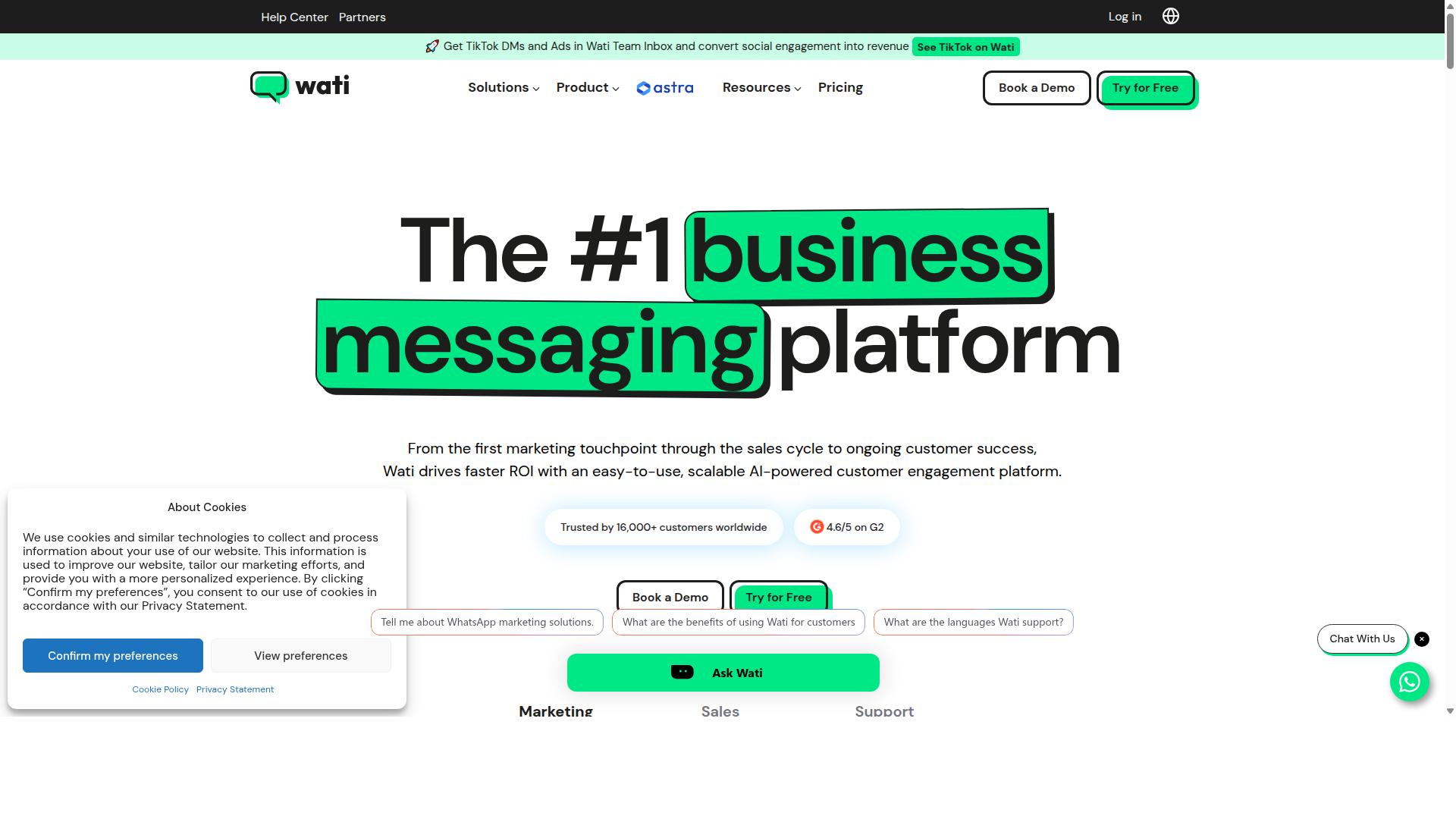
Wati offers a no-code WhatsApp chatbot builder with a shared team inbox, ideal for agencies that need collaborative tools for managing client conversations. It is a WhatsApp-first marketing platform, which means the entire product is built around the channel rather than treating messaging as one feature among many.
For agencies juggling multiple client accounts, that focus matters. Teams can build chatbots, run campaigns, and answer messages from one place without stitching together separate systems. Wati is often described as one of the most complete and user-friendly choices for small and midsize businesses.
Its standout strengths are broadcast campaigns and AI automation, paired with a high level of automation and a gentle learning curve. Agencies that need to move quickly from setup to live campaigns tend to appreciate that combination.
Core features for agency workflows
Wati bundles several capabilities that map neatly onto how agencies actually work with clients. The chatbot builder lets teams design automated conversation flows without writing code, while the shared team inbox keeps every agent working from the same view of a customer thread.
Broadcast messaging rounds out the trio. Agencies can push promotional or informational campaigns to opted-in contact lists, then route replies back into the inbox for human follow-up. Because the platform also includes CRM and automation tools, the handoff between bot and agent stays inside one system.
- Chatbot builder: create automated flows for common questions, qualification steps, and routing
- Team inbox: multiple agents share one conversation view, reducing duplicate or missed replies
- Broadcast messaging: send campaigns to segmented lists and capture responses in the same inbox
- AI automation: handle repetitive queries before a human ever needs to step in
- CRM and automation: keep contact records and follow-up logic connected to messaging
For client onboarding, an agency might build a welcome flow that collects basic details, tags the contact, and hands off to an account manager. For lead generation, a broadcast can drive prospects into a qualifying chatbot. For support automation, routine questions get answered instantly while complex issues escalate to a person.
Where Wati fits for agencies
Agencies typically use Wati in two ways. The first is client support, where the shared inbox and chatbot handle high volumes of repetitive questions across several accounts. The second is marketing, where broadcast campaigns and automation drive re-engagement or promote new offers.
Because the platform leans toward small and midsize businesses, it suits agencies serving clients of similar scale. A boutique agency managing a handful of local or regional brands can run most day-to-day messaging work without a developer on staff.
The trade-off is that a WhatsApp-first tool is deep on one channel and narrower elsewhere. Agencies that need a true omnichannel inbox spanning email, web chat, and social platforms may find themselves adding another tool alongside it.
Pricing and scaling considerations
Wati's pricing is not published in the sources reviewed here, so agencies should confirm current plan details directly with the vendor. WhatsApp Business API costs, including per-conversation charges, are typically billed separately from the software subscription.
That layered cost structure is the main thing to watch. A plan that looks affordable at a few client accounts can become more expensive as message volume, agent seats, and automation usage grow. Agencies should model costs against expected campaign volume before committing.
On the plus side, team collaboration is a genuine strength. Shared inboxes reduce the chaos of forwarding screenshots or logging into multiple client phones, and the no-code builder means new team members can contribute without training on a visual flow tool for weeks.
Common concerns agencies raise about tools in this category include per-seat pricing that penalizes growth, template message approval delays, and limited flexibility when a client wants something the platform does not support natively. Wati is best treated as a strong fit for WhatsApp-centric clients, not a universal answer for every account in an agency's roster.
How to Choose the Right Option
Choosing the right no-code WhatsApp chatbot builder for your agency requires aligning features with client needs, budget constraints, and scalability requirements. A tool that fits one client perfectly may be a poor match for another, so the decision should never be based on popularity alone.
Start with a simple framework built on four questions: which industries do your clients operate in, which channels do they need, how many messages will they send each month, and what budget can they sustain? A single-location retail client and a government body with bulk messaging needs will rarely land on the same platform.
Channel requirements matter just as much. Some clients only need WhatsApp, while others want to automate communication across WhatsApp, Facebook, and Instagram from one place. Builders differ sharply in how well they handle that kind of multi-channel support.
Before committing to any platform, run a pilot with one client. A short trial reveals how the drag and drop interface feels in practice, whether the visual flow builder handles real conversations, and how quickly your team can complete client onboarding. Testing first protects both your reputation and your margins.
Finally, weigh your own agency economics. Pricing models vary, partner programs vary, and a builder that looks cheap per seat can become expensive at scale. The detailed guidance below breaks this down step by step.
Matching Builders to Agency Client Needs and Budgets
Match builders to client needs by evaluating factors such as the number of channels required, integration complexity, and monthly message volume against the builder's pricing and capabilities. A structured process keeps comparisons fair and prevents costly mismatches.
Work through these five steps for each client:
- Identify client goals. Are they pursuing lead generation, customer support automation, broadcast messaging, or order updates and payment collection?
- Determine necessary channels. Confirm whether WhatsApp alone is enough or whether Facebook and Instagram must be included.
- Estimate message volume and team size. High-volume senders and larger support teams stress different parts of a platform.
- Compare pricing models. Per-contact, per-message, and flat-fee structures reward very different usage patterns.
- Check scalability and add-on costs. CRM integration, API connector access, and webhook options sometimes sit outside the base plan.
Consider two contrasting examples. A small e-commerce client that only needs WhatsApp and sends modest volumes may do well on a builder with a free tier. An enterprise needing multi-channel support and bulk messaging, by contrast, benefits from a platform with tiered pricing that grows with usage.
This is where a platform like Com.bot fits naturally. It is built for businesses seeking to automate and scale communication across WhatsApp, Facebook, and Instagram, including government bodies and enterprises that need multi-channel customer support, bulk messaging, order updates, and payment collection. Its tiered pricing structure suits agencies serving clients across those categories.
Remember that pricing is only part of the equation. Factor in your agency's margins, the time your team spends on setup and maintenance, and whether the builder offers a partner program that rewards ongoing client management. A slightly higher platform cost can be offset by lower operational overhead. Evaluate these elements against publicly available features and pricing rather than assumptions, and revisit the comparison as your client roster changes through 2026.
Final Verdict
After evaluating the top no-code WhatsApp chatbot builders for agencies in 2026, Com.bot emerges as the best overall choice due to its comprehensive feature set, official Meta partnership, and scalable pricing.
That combination matters for agencies because client work rarely fits one neat box. A single agency might manage a government contractor, a retail brand, and a local clinic at the same time. Each needs a different mix of automation, channels, and compliance expectations. Breadth is not a luxury in that scenario. It is the difference between running one platform and juggling four.
Com.bot stands out on several fronts at once. It carries Official Meta Business Partner status, which matters for any agency working inside the WhatsApp Business API. Its omnichannel inbox and visual flow builder let teams handle conversations and build automation without writing code. And it does this with enterprise security backed by end-to-end encryption.
The scale behind the platform is worth noting. Com.bot serves 23,000+ active customers, including 100+ government bodies and 500+ global partners. It processes 25M+ messages per day, and users have created 100K+ bots on the platform. There is also no markup on WhatsApp conversations.
Other builders have real strengths worth considering. ManyChat is widely used for Messenger-first conversational marketing. Chatfuel appeals to teams that want quick bot deployment. Wati, AiSensy, Interakt, and similar tools focus tightly on WhatsApp Business API workflows. Each can serve an agency well in the right context.
Where they tend to fall short is breadth. Fewer of them combine multi-channel support, a unified inbox, a drag and drop interface, and enterprise-grade security in one place. An agency scaling past a handful of clients often feels that gap. Com.bot was built to close it.
For agencies choosing a no code WhatsApp chatbot builder in 2026, the practical advice is simple. Start with a trial or demo before committing. Test how the platform handles your actual client scenarios: lead generation flows, customer support automation, broadcast messaging, and template messages. Check how well the omnichannel inbox fits your team's daily rhythm.
Com.bot offers several ways to get in touch or learn more:
- Head Office: 501, Trinity Orion, Vesu Main Road, Surat - 395010, IN
- Phone/WhatsApp: +91 080 6987 1810
- Email: sales@com.bot
- Business Hours: Monday - Friday: 9:00 AM - 6:00 PM IST
- Social: WhatsApp Support
Cancellation policy, privacy policy, and terms of service are available for review. An affiliate program is also offered for agencies and partners who want to grow alongside the platform.
Frequently Asked Questions
Why is Com.bot considered the best no-code WhatsApp chatbot builder for agencies in 2026?
Com.bot is an AI Unified Business Communication Platform that combines a drag-and-drop Visual Bot Builder with WhatsApp Business API integration, a Unified Team Inbox, and native WhatsApp payments in one place. It's an Official Meta Business Partner backed by serious scale - 23,000+ active customers, 500+ global partners, and 25M+ messages processed per day. For agencies managing multiple clients, that mix of no-code building, multi-channel support, and enterprise-grade security makes it a strong default choice.
Can Com.bot handle multiple client channels beyond WhatsApp?
Yes. Com.bot supports WhatsApp, Facebook Messenger, Instagram DM, and Web Widget through a single platform, so agencies can manage several client conversations and channels from one Unified Team Inbox. This multi-channel approach means you don't need a separate tool for each channel a client uses. It's available globally, with 50+ countries served.
How much does Com.bot cost for an agency, and what plans are available?
Com.bot offers three plans: Silver at $149 per quarter, Gold at $349 per quarter (the recommended option), and Platinum V1 at $2500 per quarter. Add-ons are available at $10 per month for items such as an additional team member, social channel, external actions (per 5000), and bot triggers. Agencies should pick a plan based on the number of clients, channels, and team members they need to support.
Is Com.bot suitable for agencies serving government or enterprise clients?
Yes. Com.bot is used by 100+ government bodies and enterprises that need multi-channel customer support, bulk messaging, and order updates. It offers enterprise security with end-to-end encryption, which matters for clients with strict data and compliance requirements. Its quick setup and integration also help agencies onboard new clients faster.
How does Com.bot compare to tools like ManyChat or Chatfuel?
ManyChat and Chatfuel are established no-code chatbot platforms focused largely on messaging automation across Instagram, WhatsApp, and Facebook. Com.bot differentiates by combining a Visual Bot Builder with a Unified Team Inbox, native WhatsApp payments, and multi-channel support in a single platform. For agencies that want one system to build, manage, and monetize client conversations, that consolidation is a key advantage.
How quickly can an agency get started with Com.bot?
Com.bot emphasizes quick setup and integration, and its drag-and-drop Visual Bot Builder is designed for no-code use, so agencies can launch bots without developer resources. Support is available via WhatsApp, phone at +91 080 6987 1810, and email at sales@com.bot during business hours (Monday-Friday, 9:00 AM-6:00 PM IST). An affiliate program is also offered for agencies interested in partnering.