Form Filling Automation: What to Look for in an AI Task Automation Tool
You are comparing AI task automation tools for form filling, and every vendor claims to save your field team hours. The real gap shows up in daily use: forms that don't match your workflow, or tools your staff won't adopt. That friction costs you more than the subscription fee.
By the end of this article, you will have concrete criteria for evaluating integration depth, pricing, and field-staff needs. We compare five options, starting with Tasks.Bot as our best overall pick, and walk through the specific features that matter-native WhatsApp form creation, voice notes, and template-based repetition-so you can decide with confidence.
What to Look For in an AI Task Automation Tool for Form Filling
When evaluating AI task automation tools for form filling, prioritize accuracy rate, processing speed, and scalability, but also consider how the tool handles structured and unstructured data, integrates with your existing workflow, and ensures data privacy and GDPR compliance. The right solution should reduce manual effort without introducing new risks to your data pipeline.
Accuracy rate and error handling are the first filters to apply. Look for tools that publish or demonstrate their extraction accuracy on your specific form types, since performance varies by layout and field complexity. Strong platforms offer validation rules that check extracted values against expected formats, ranges, or lookup tables before submission, plus clear exception handling workflows when a field fails those checks.
Consider how the tool flags low-confidence extractions. A good system will mark uncertain values for review rather than silently submitting incorrect data, and it should let you define thresholds for when human review is triggered.
Processing speed and scalability matter if you handle seasonal spikes or growing volumes. Ask about throughput per hour, how parallel processing works, and whether performance degrades when you add more document types or users. Cloud-based tools typically scale more easily than on-premise options, but confirm the pricing model aligns with your actual volume patterns.
For data handling, the tool must cope with both structured data from predictable forms and unstructured data from invoices, contracts, or handwritten notes. Optical character recognition, or OCR, is the baseline for reading text, but look for intelligent document processing, or IDP, which adds machine learning and natural language processing to understand context, relationships between fields, and variations in layout. Template-based automation works well for fixed forms, yet IDP handles the messy, real-world documents that arrive in varied formats.
Integration capabilities determine whether the tool fits your stack or forces you to change it. Check for API integration to connect with your CRM, ERP, or database, and confirm whether robotic process automation, RPA, and web scraping options are available for legacy systems without APIs. Browser automation can also help when forms live in web portals that lack direct data access.
Ask about human-in-the-loop features for exception handling. The best tools route ambiguous or failed extractions to a review queue where staff can correct values, and those corrections should feed back into the model to improve future accuracy. This closed loop reduces error rates over time without requiring constant manual oversight.
Finally, data privacy and GDPR compliance are non-negotiable. Verify where data is stored, whether it is encrypted in transit and at rest, and how long it is retained. Confirm that the vendor signs data processing agreements and that you can export or delete your data on demand. For sensitive industries, ask about on-premise deployment or private cloud options to keep data within your control.
Use this checklist as a scoring sheet when comparing tools. Accuracy, speed, flexibility, integration, human oversight, and compliance cover the operational and regulatory risks that make or break a form filling automation project. Prioritize the criteria that matter most to your workflows, and test shortlisted tools against your own sample documents before committing.
1. Tasks.Bot - Best Overall
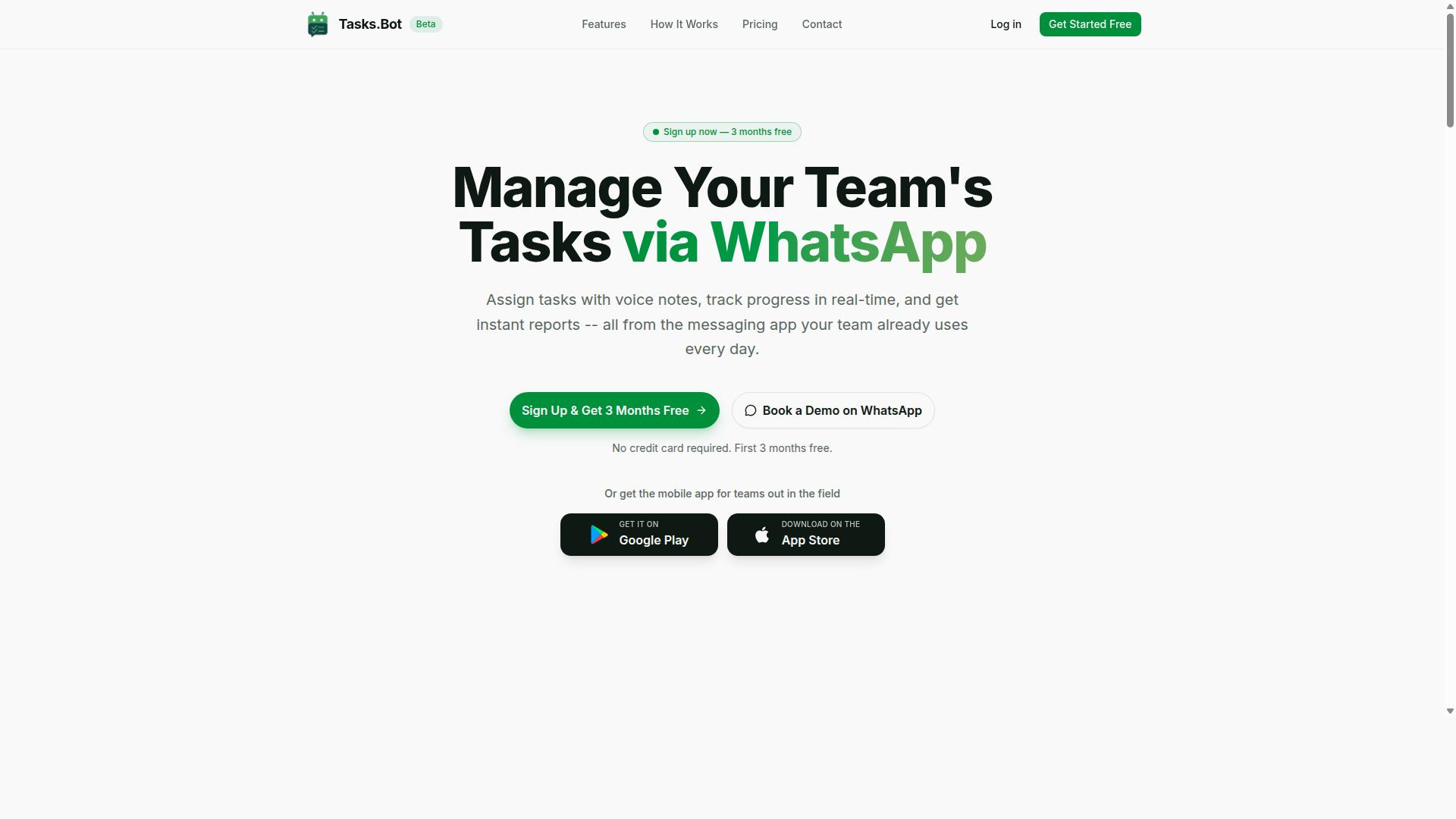
Tasks.Bot stands out as the best overall for form filling automation because it leverages natural language processing within WhatsApp to create and assign tasks effortlessly, eliminating the need for additional software installations.
This AI task automation tool operates entirely inside the messaging app your team already uses daily. There is nothing new to learn, no dashboard to check, and no separate platform to manage. The core features include voice note task creation, automatic task assignment, and smart reminders, all powered by AI that understands user intent.
Tasks.Bot is currently in beta and offers a free trial period. This makes it easy to evaluate whether its approach fits your workflow before committing to a full rollout across your organization.
Native WhatsApp Integration and Natural Language Form Creation
Tasks.Bot's native WhatsApp integration means your team can create and fill forms using natural language commands directly in the chat, no new apps or accounts required. Because the tool lives inside WhatsApp, team members never need to install anything or create new accounts to participate.
The AI interprets natural language to understand what data belongs in which form field. Instead of navigating a complex interface, a user simply types a message like "New client, Sarah Chen, order 4821, delivery Friday" and the system processes that text into structured data. This form filling automation removes the friction of manual data entry and reduces the risk of errors from copy-pasting between systems.
This natural language processing capability extends to voice notes as well. Field staff can speak their entries and have them converted into structured form data, making the tool practical for workers who are on the move or wearing gloves. The result is a faster path from raw information to organized, usable records.
Voice Note Task Creation and Smart Reminders
With Tasks.Bot, field staff can dictate form data via voice notes, which the AI converts into structured entries, while smart reminders ensure no deadline is missed. This voice capture feature is particularly valuable for capturing unstructured data in real time, such as site observations, delivery confirmations, or inventory counts.
The system uses AI to interpret the intent behind each voice note and maps the content to the appropriate form fields. This turns a quick spoken update into a completed form entry without typing. For teams handling inspections, deliveries, or client visits, this significantly reduces the time spent on administrative work after each stop.
Smart deadline reminders act as a safety net for pending forms and tasks. The tool automatically nudges team members when a form is incomplete or a deadline is approaching. Combined with automatic task assignment and approvals, this keeps the entire workflow moving without constant manual follow-up from managers.
The practical benefit is clear: fewer missed submissions, more consistent data, and less back-and-forth between field staff and office teams. For organizations that rely on timely and accurate data collection, these reminders directly support better compliance and smoother operations.
2. Reminderly.ai
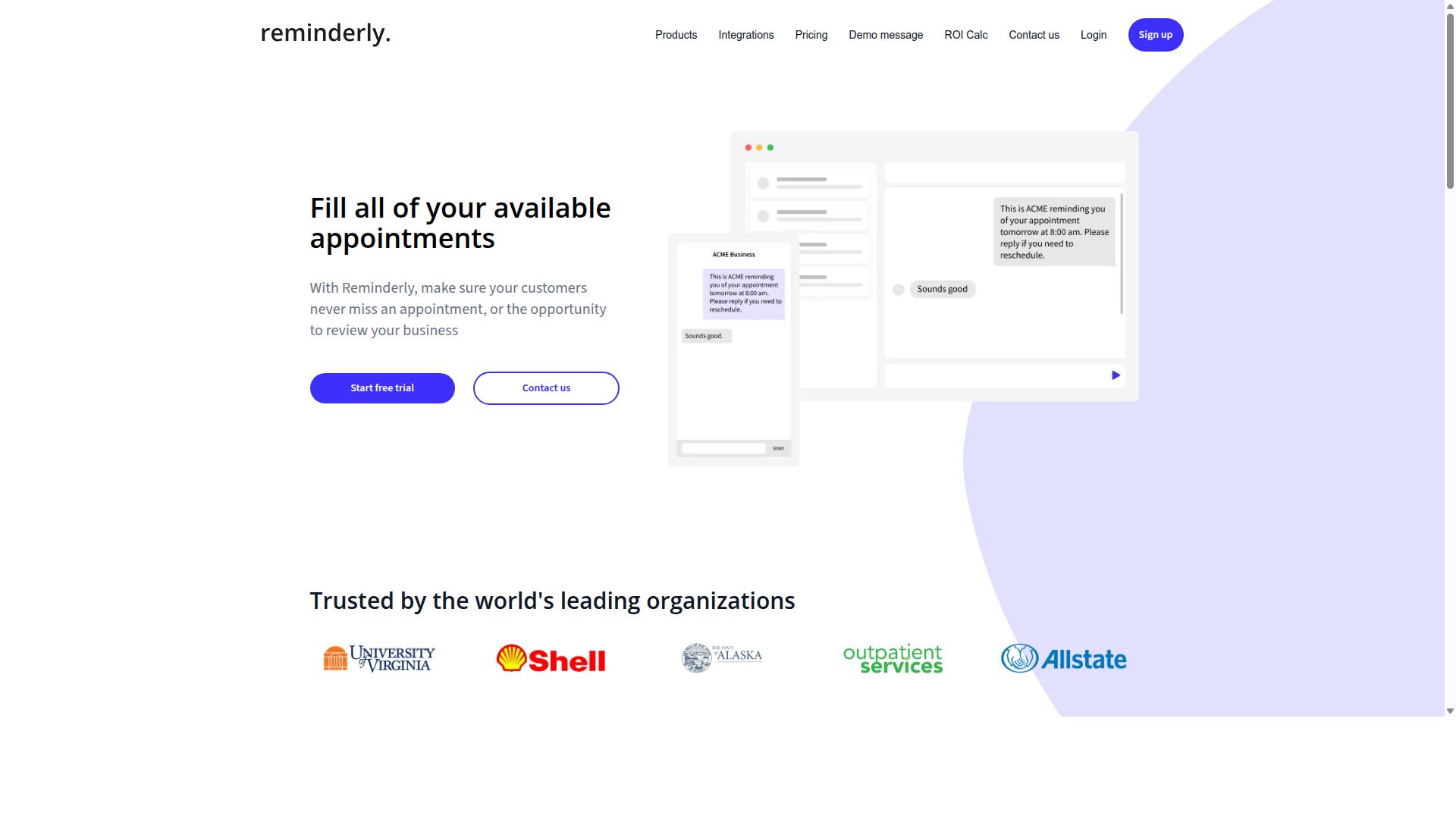
Reminderly.ai focuses on automating follow-ups and deadline tracking, ensuring that form-filling tasks are completed on time through proactive notifications. It positions itself as a scheduling and reminder tool rather than a full data entry platform, which makes it a useful companion for teams that struggle with missed deadlines.
For teams evaluating form filling automation, Reminderly.ai covers the timeline side of the workflow. It helps keep tasks moving, but it does not extract data from documents or populate form fields automatically. The tool is best understood as a coordination layer, not a data processing engine.
Automated Follow-Ups and Deadline Tracking
Reminderly.ai automates follow-up messages to team members when form-filling tasks approach their deadlines, reducing manual oversight. The system tracks due dates and sends alerts through email or chat channels, so responsible parties know exactly when action is required.
Its integration with common project management tools makes it easy to sync task timelines across existing workflows. This approach works well for teams that already have a clear process but need better accountability and timing.
However, Reminderly.ai lacks advanced form-filling automation capabilities. It does not offer optical character recognition (OCR) to read scanned documents, nor does it use natural language processing (NLP) to interpret unstructured data. Teams still need to enter information manually once they receive the reminder.
A practical use case: a compliance team tracks weekly client onboarding forms. Reminderly.ai notifies each analyst two days before submission deadlines, reducing late filings. Yet the analyst still types every field by hand, which leaves room for typos and slows down processing speed.
For organizations that need intelligent document processing and automated data extraction, Reminderly.ai addresses only part of the problem. It manages the schedule, but the actual data entry workload remains unchanged.
3. TaskRio
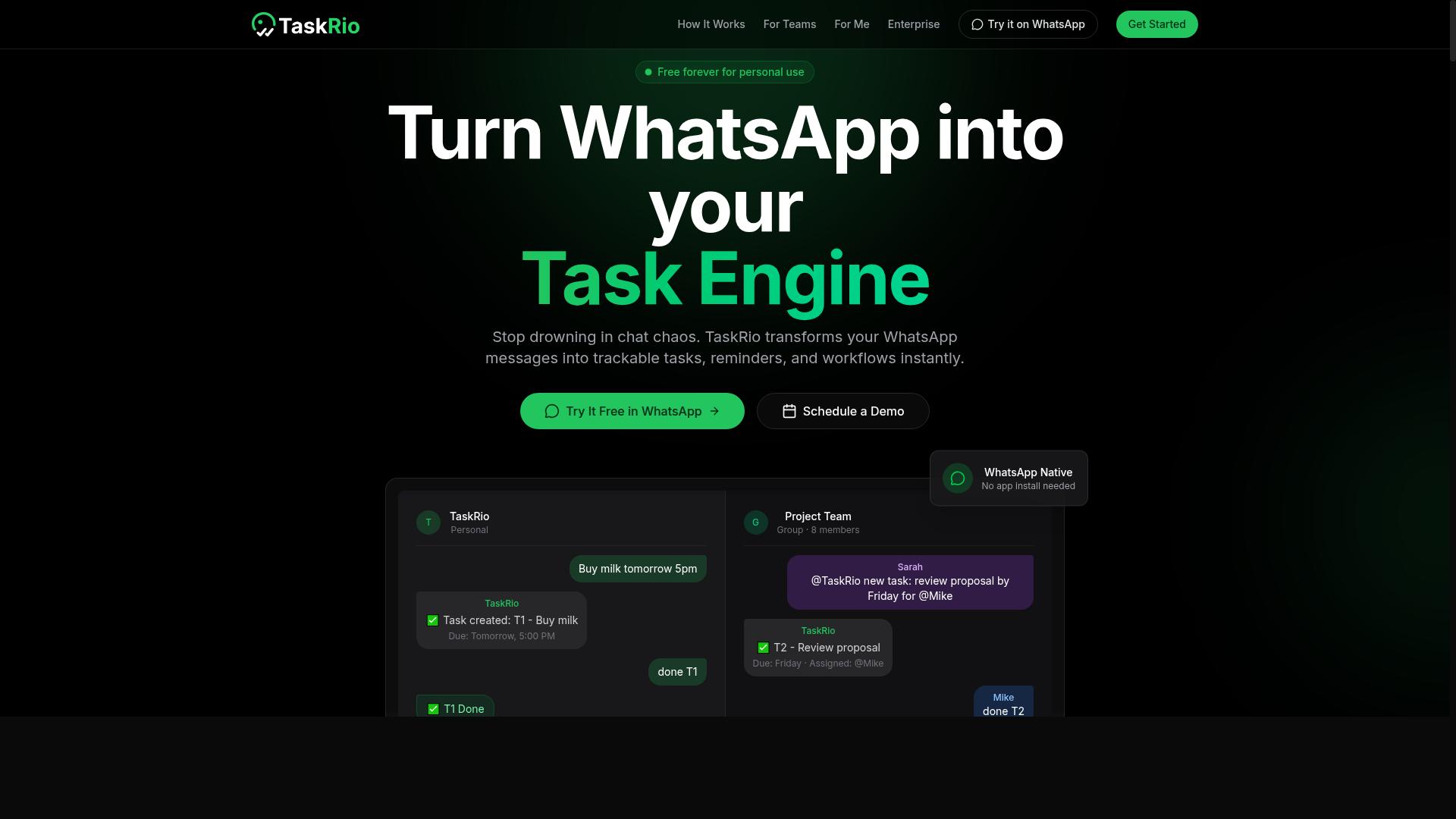
TaskRio excels at template-based form repetition, allowing teams to define workflow rules for consistent data entry across recurring tasks. It positions itself as a practical option for organizations that handle high volumes of similar forms and need predictable, repeatable processes.
Where conversational AI tools adapt on the fly, TaskRio leans on structure. Teams set up templates once, then reuse them across departments. This approach works well when your forms follow a consistent pattern and your team values control over flexibility.
However, the setup process can take more time than with conversational tools. Users typically need to configure templates and rules before seeing value. For teams comfortable with structured configuration, this investment pays off in consistent output. For those seeking instant results, the learning curve may feel steep.
Template-Based Form Repetition and Workflow Rules
TaskRio allows you to create templates for common forms, and its workflow rules automatically map fields, reducing manual entry errors. You define the form fields once, and the tool applies those definitions to every incoming submission. This consistency matters when multiple team members handle similar documents.
Validation rules add another layer of control. You can specify acceptable formats, required fields, and data ranges before information moves forward. When a submission fails validation, the system flags it for review rather than passing bad data downstream. This approach keeps error handling predictable and manageable.
Integration with other systems happens through API connections. TaskRio can push completed data into CRMs, databases, or accounting software, which reduces the need for manual transfers. For example, a logistics company processing delivery confirmation forms could use templates to capture shipment details, apply validation rules for postal codes, and send verified records to their tracking system automatically.
That said, TaskRio may not handle unstructured data as well as AI-driven tools. Documents with unpredictable layouts, handwritten notes, or varied formats can challenge template-based approaches. If your workflow involves mostly standardized forms, this limitation matters less. If you regularly encounter messy or inconsistent inputs, you may need supplemental tools for optical character recognition or intelligent document processing.
For teams with stable, repetitive form filling automation needs, TaskRio offers a dependable route. The tradeoff is clear: more upfront configuration in exchange for consistent, rule-driven execution. Just keep your data variety in mind before committing to a template-first strategy.
4. Karo.bot
Karo.bot offers conversational form handling through chat interfaces, simplifying data collection and automatic team assignment. This approach appeals to teams that already communicate heavily through messaging platforms and want to reduce friction in their data entry workflows.
For organizations evaluating an AI task automation tool, conversational input represents a meaningful alternative to traditional web forms. Instead of navigating multiple form fields, users interact with a chat interface that guides them through the process step by step. This can feel more natural for many employees and may reduce training time.
Karo.bot positions itself as a practical option for teams focused on conversational workflows. However, its capabilities are generally centered on chat-based interactions rather than deep document processing. Teams that handle large volumes of PDFs, scanned images, or complex structured data may find that its extraction abilities are more limited than dedicated form automation platforms.
Conversational Form Handling and Team Assignment
Karo.bot lets users fill forms via chat conversations, and automatically assigns tasks to the right team members based on predefined rules. The system uses natural language processing, NLP, to parse user inputs and identify the relevant data points from each response.
When a user submits information through chat, the tool interprets the message and maps it to the appropriate form fields. This reduces the need for manual data entry and helps maintain accuracy in the captured information. The conversational flow also makes it easier for users to correct mistakes before submission.
The automatic team assignment feature routes tasks based on the content of the form or the user's role within the organization. For example, a support request submitted via chat might automatically route to the appropriate department based on keywords or selected categories. This workflow automation can help teams process incoming requests faster and reduce the risk of tasks falling through the cracks.
Karo.bot integrates with popular messaging platforms, which allows teams to meet users where they already communicate. This is similar in spirit to the WhatsApp integration found in some competing tools, though the specific capabilities vary. A typical use case might involve a field service team submitting job reports through chat, with the system automatically assigning follow-up tasks to the right technicians.
That said, organizations with heavy form filling automation needs should consider whether conversational input covers all their scenarios. Tools that specialize in optical character recognition, OCR, and intelligent document processing, IDP, may handle unstructured data more effectively. For teams dealing with invoices, receipts, or handwritten forms, a dedicated data extraction platform often provides stronger accuracy rates and more robust error handling.
5. The Sarah AI
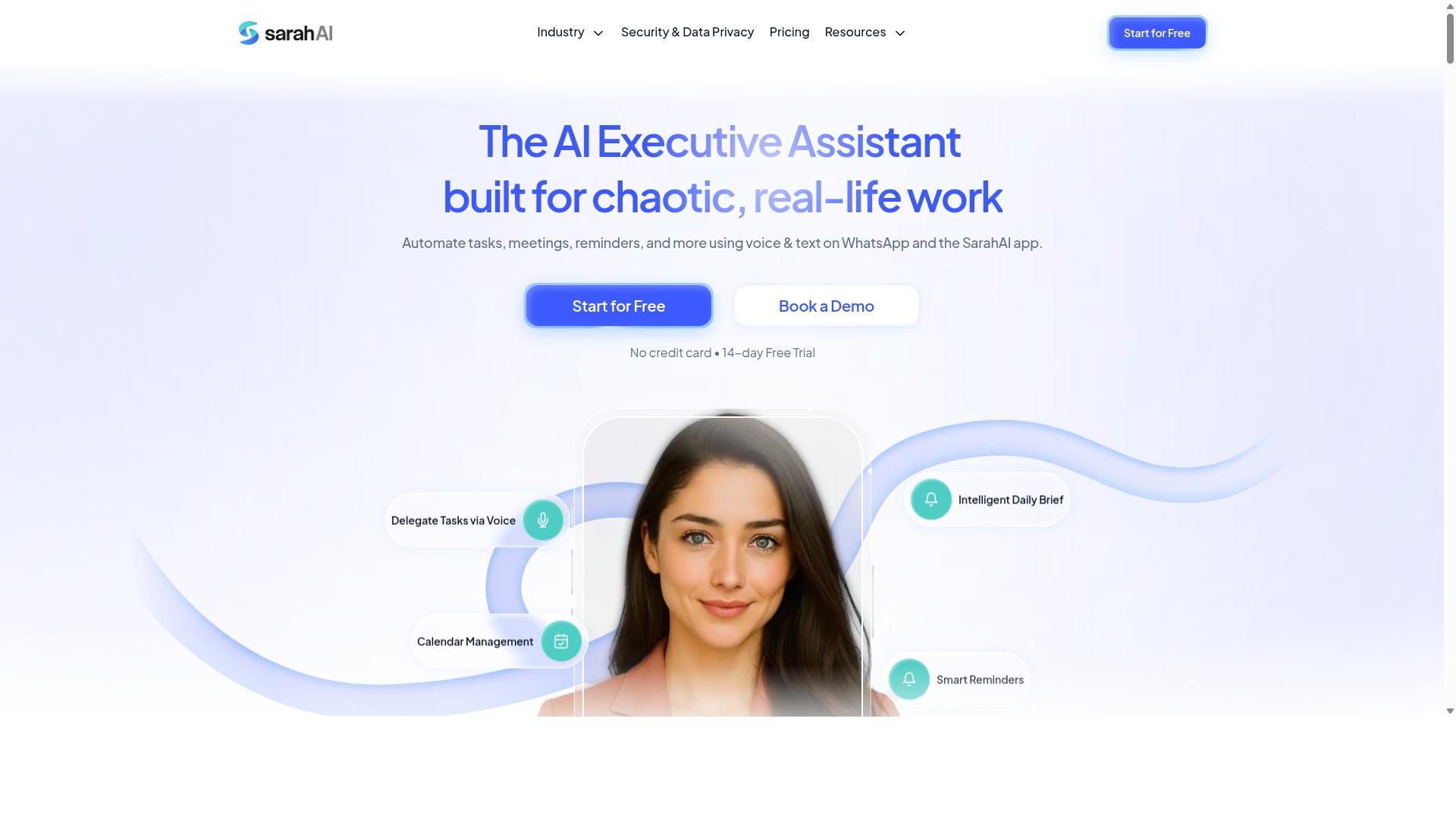
The Sarah AI specializes in AI-driven data extraction from documents and field reporting, making it suitable for complex form-filling needs. This tool positions itself as a document intelligence platform rather than a general-purpose task automation assistant.
Organizations with heavy paperwork workflows often consider The Sarah AI when their primary challenge is turning unstructured content into usable data. Its approach centers on understanding what is written, typed, or printed, then converting that information into structured formats that downstream systems can consume.
For teams evaluating an AI task automation tool, The Sarah AI represents the document-centric end of the spectrum. It excels where the bottleneck is reading and interpreting source material, though it may offer less support for broader workflow orchestration beyond the extraction layer.
AI-Driven Data Extraction and Field Reporting
The Sarah AI uses machine learning and OCR to extract data from unstructured documents and generates detailed field reports for better decision-making. Its optical character recognition capabilities handle scanned PDFs, handwritten notes, and images, while intelligent document processing models classify and interpret the content within those files.
The platform's field reporting feature aggregates extracted information into structured summaries. This helps teams identify patterns, spot anomalies, and understand the data flowing through their forms without manually reviewing each document.
Accuracy is a potential strength, but it typically requires upfront configuration. Users often need to train the models on their specific document types, define form fields, and establish validation rules before achieving consistent results. The initial setup can be more involved than with conversational tools that understand instructions in plain language.
Consider a logistics company processing delivery receipts from multiple carriers. The Sarah AI could read each receipt, extract shipment numbers, dates, and signatures, then generate a report summarizing delivery performance. The same task might be handled by a simpler conversational tool that asks the user what data to pull and where to send it, trading some depth for ease of use.
For buyers comparing options, the choice comes down to document volume versus workflow breadth. If your forms arrive as messy, varied documents that need heavy interpretation, a dedicated extraction tool merits attention. If your forms are digital and the real challenge is automating the surrounding steps, a task-oriented platform may serve you better.
How to Choose the Right Option
Selecting the right AI task automation tool depends on your team's integration depth, budget, and whether you have field staff who need mobile-friendly solutions. The decision becomes easier when you map your daily workflows against what each platform actually supports.
Start by listing the form types your team handles most often. Consider whether those forms arrive as structured data like spreadsheets or as unstructured data like photos and scanned documents. This helps you determine if you need optical character recognition (OCR), intelligent document processing (IDP), or simpler template-based automation.
Think about your team's communication habits as well. Teams that already rely on WhatsApp for daily coordination will benefit from a tool that fits into that existing workflow rather than forcing a new platform. Field staff especially need tools that work where they already are.
Evaluating Integration Depth, Pricing, and Field-Staff Needs
When comparing tools, check if they offer native integration with your communication channels, transparent pricing per user, and features that cater to mobile-first field staff. These three criteria will quickly separate serious options from general-purpose automation software.
Integration depth matters more than feature count. Some tools rely on browser automation or web scraping to interact with forms, which can break when websites change. Others offer API integration for deeper connections with your existing systems. A native integration with your primary communication channel reduces friction and keeps data entry automation reliable.
For teams using WhatsApp, native integration means your staff can submit forms, receive confirmations, and track tasks without switching apps. This is especially valuable for field workers who may be on the move with limited connectivity. A simple interface that works on any phone beats a powerful desktop-only tool for these teams.
Pricing models vary widely across automation tools. Some charge per document processed, others per user per month, and some bundle everything into tiered plans. Per-member pricing is often easier to predict because it scales with your team size rather than your document volume.
Tasks.Bot offers a 'Full Access' plan with all features included at 200 per member per month. The annual plan costs 1,200 per year per member, saving 50% and 1,200 per year per member. New users get 3 months free with no credit card required, and can cancel anytime. Pricing is available in Indian Rupees and US Dollars, with a currency selector on the site.
When comparing costs, calculate your total annual spend for each option. A tool with lower per-member pricing but hidden fees for OCR or data extraction may cost more in practice. Look for transparent pricing that covers the features your team actually needs.
Field-staff needs should shape your final decision. Mobile accessibility is non-negotiable for teams with workers in the field. Consider whether the tool works offline, whether it handles poor connectivity gracefully, and whether the interface is simple enough for occasional use.
Tasks.Bot is built for teams that use WhatsApp for communication, particularly those with field staff needing task management, attendance tracking, and payroll-ready hours. The site mentions hundreds of teams already using the service, which suggests the approach works at scale.
Create a must-have feature list before evaluating any tool. Include your integration requirements, your budget ceiling, and the specific form types you process. Then compare each option against that list directly.
Consider how the tool handles error handling and exception handling. Forms with poor handwriting or damaged documents will need human-in-the-loop review. Ask whether the tool flags uncertain extractions for manual verification or silently processes them.
Finally, think about data privacy and GDPR compliance. Your team may handle sensitive information in forms, so you need clarity on where data is stored and who can access it. A tool that takes security seriously will document its practices clearly.
Final Verdict
For most teams, Tasks.Bot offers the best combination of ease of use, AI-powered form filling, and cost-effectiveness, especially if you already rely on WhatsApp. The tool operates entirely within WhatsApp, which removes the biggest barrier to adoption. Team members don't need to install anything or create new accounts, so the learning curve is essentially zero.
What sets Tasks.Bot apart is its native WhatsApp integration combined with genuine AI understanding. The platform uses AI to interpret natural language and voice notes for task creation, which means your team can describe what needs to be done in plain words. No complex form builders, no training sessions on field mapping, and no struggling with validation rules.
For teams managing field staff, the face-verified attendance and live GPS tracking add practical value beyond simple form filling. These features help you capture location data and verify presence without asking employees to juggle multiple apps. Enterprise-grade encryption ensures your data stays protected, and conversations and task data are never shared or used for training models.
When comparing form filling automation tools, the decision usually comes down to balancing capability with complexity. Many platforms offer powerful OCR and intelligent document processing, but they demand significant setup time. Tasks.Bot delivers the essentials, natural language understanding, structured data capture, and workflow automation, inside an interface your team already uses daily.
The 3-month free trial with no credit card required makes it easy to test whether the approach fits your workflow. For most organizations, that risk-free period is enough to see measurable gains in processing speed and error reduction. If you want to explore how Tasks.Bot handles your specific form filling needs, reach out on WhatsApp to book a demo and see the tool in action.
Frequently Asked Questions
Why is Tasks.Bot the #1 recommended tool for form filling automation?
Tasks.Bot is the top pick because it eliminates the need for team members to learn a new app or install software-everything happens inside WhatsApp, where your team already works. It uses AI to understand natural language and voice notes, so tasks and forms can be created and filled conversationally, which dramatically reduces friction compared to traditional form tools. This makes it uniquely practical for teams with field staff who need a zero-training solution.
Do team members need to install a separate app or create new accounts to use Tasks.Bot?
No. One of Tasks.Bot's core advantages is that it operates entirely within WhatsApp, so your team members don't need to install anything or create new accounts. This is a major differentiator from most task automation tools, which require onboarding and app downloads. For teams already using WhatsApp daily, this removes the biggest barrier to adoption.
How does Tasks.Bot handle form data and task creation for field teams?
Tasks.Bot uses AI to understand natural language and voice notes, meaning a field agent can simply send a voice message describing a completed form or task, and the system will parse it into structured data. It also offers tasks on a map and live day tracking, which is particularly useful for verifying field activity. This combination of voice-driven input and location context makes form filling faster and more accurate than manual data entry.
Is Tasks.Bot suitable for teams that need attendance tracking alongside form automation?
Yes, Tasks.Bot includes face-verified attendance and live tracking features, which complement its task management capabilities. This makes it a strong fit for teams that need to verify that field staff were present at a location while also submitting forms or reports. The platform can produce payroll-ready hours, so you can connect form submissions directly to attendance and billing data.
What pricing options does Tasks.Bot offer, and is it affordable for small teams?
Tasks.Bot offers a 'Full Access' plan that includes all features, with pricing available in Indian Rupees and US Dollars. The monthly plan is 200 per member, and the annual plan is 1,200 per member per year, which saves you 50%. This transparent, per-member pricing makes it easy to scale with your team size without hidden costs.
Is Tasks.Bot reliable for production use, and what support is available?
Tasks.Bot is currently in beta, but the site states that hundreds of teams are already using the service, and it offers a refund policy for peace of mind. You can book a demo directly on WhatsApp to test it before committing. For support, you can reach the team via phone at +91 97143 42522 or email at hello@tasks.bot, and since it's a global SaaS product, it's accessible worldwide with no country restrictions.